Challenge
Design an automatic analysis system for the post office
that collects and ananlyses customer's feedback.
Overview
My team was assigned to investigate and identify the issues and the
solutions of automated feedback system for Post office, to bring the
best outcomes, I accomplished following processes.
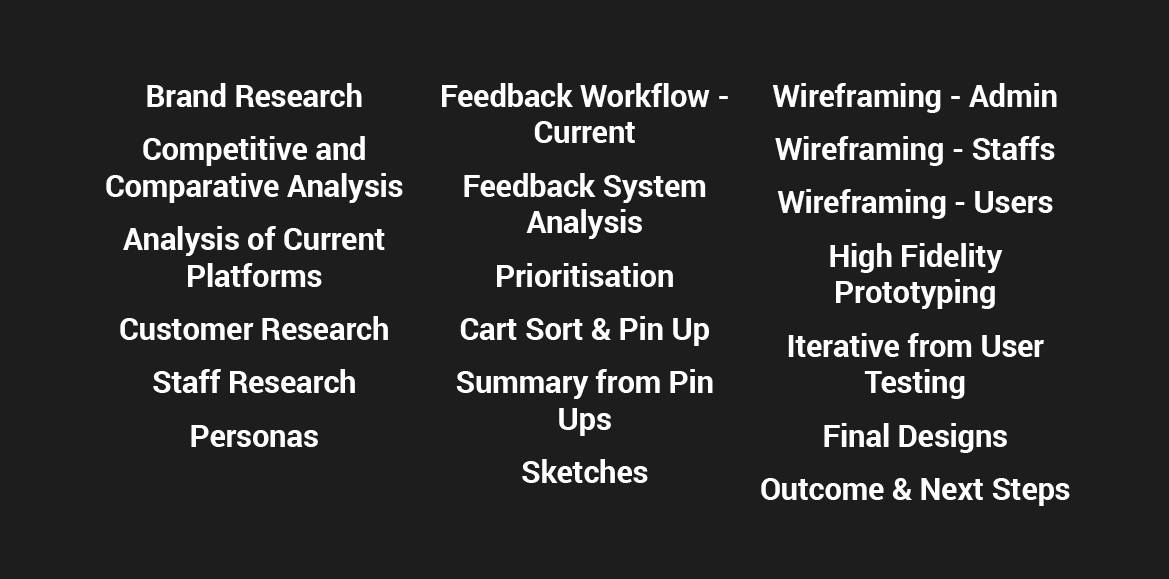
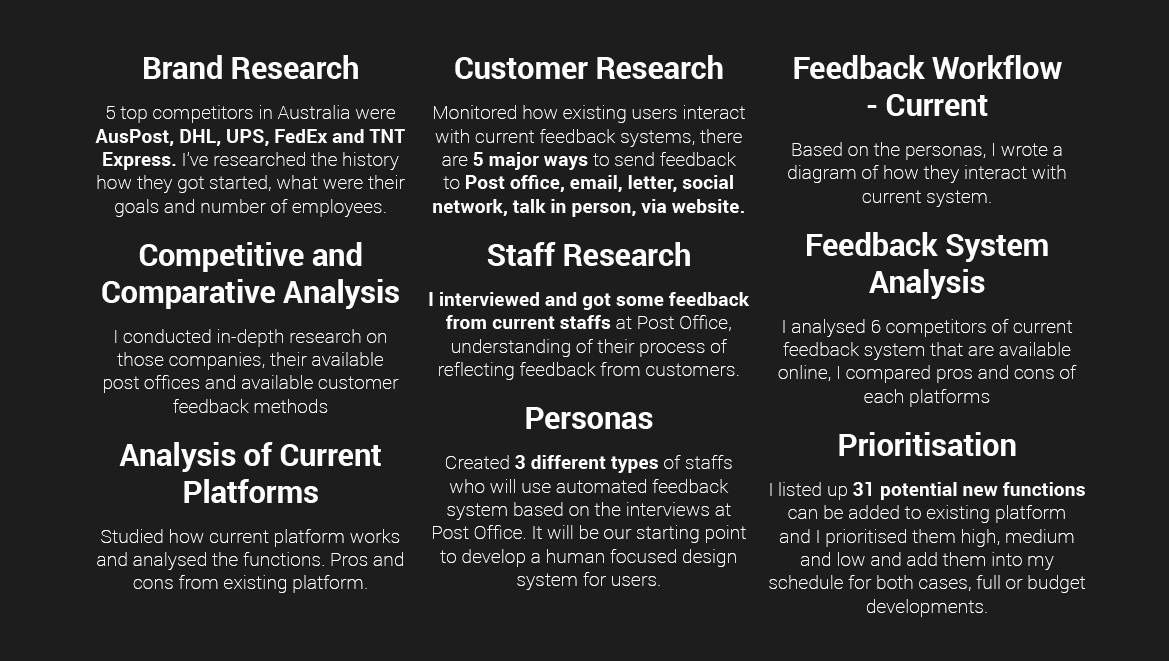
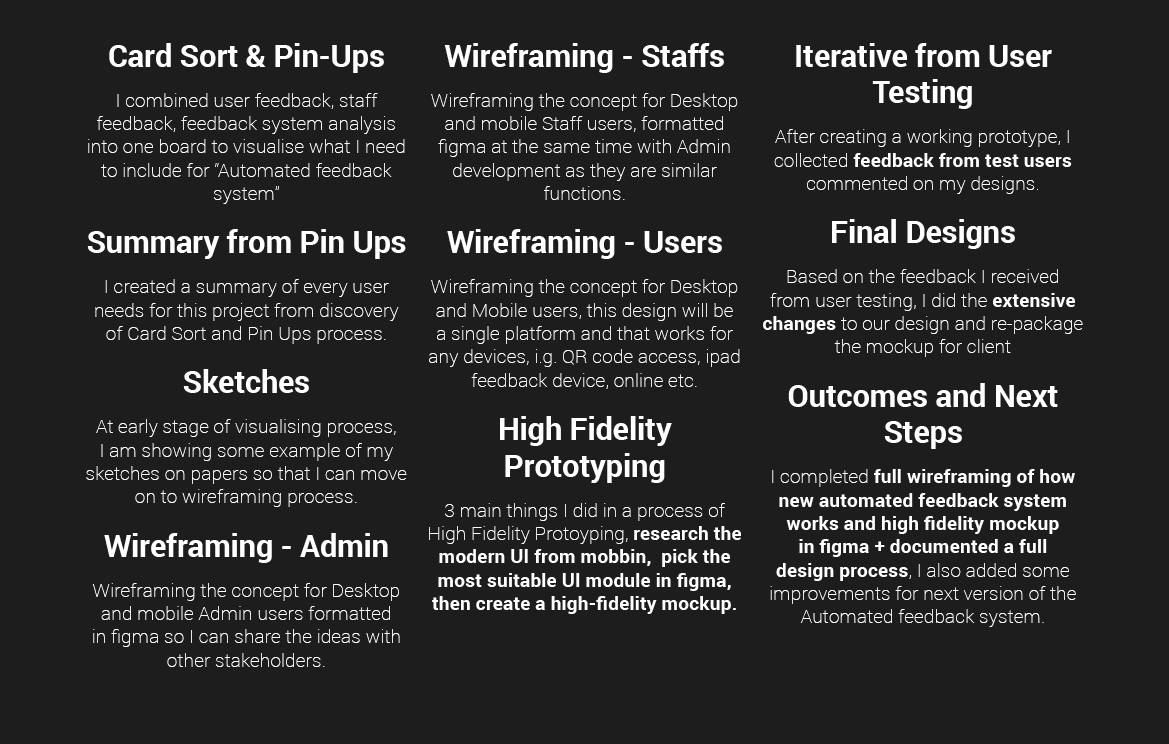
Overview Details
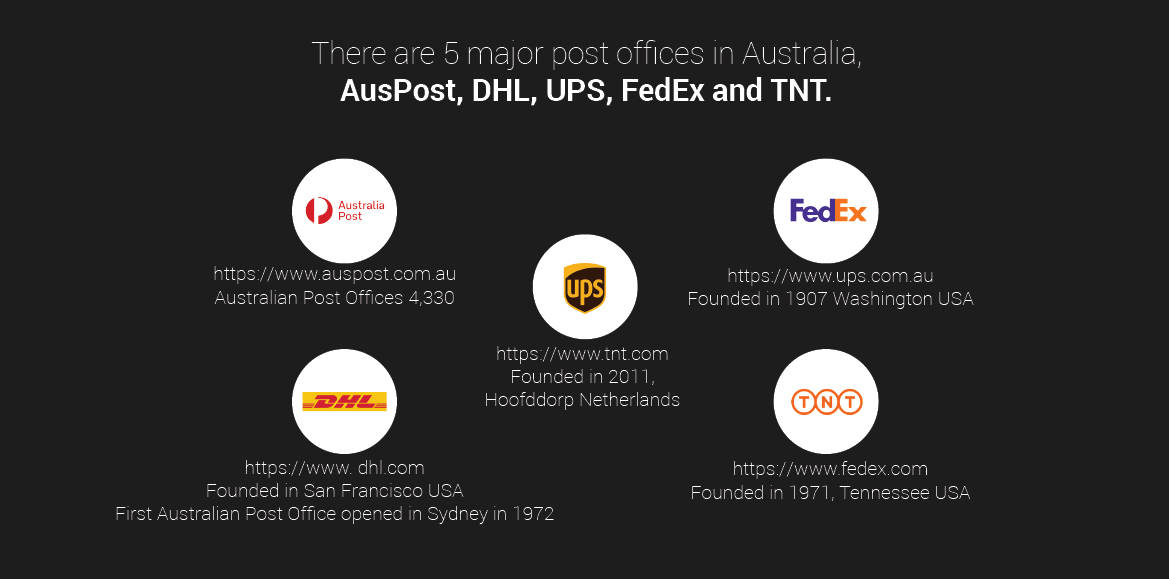
Brand Research
Competitive and Comparative Analysis
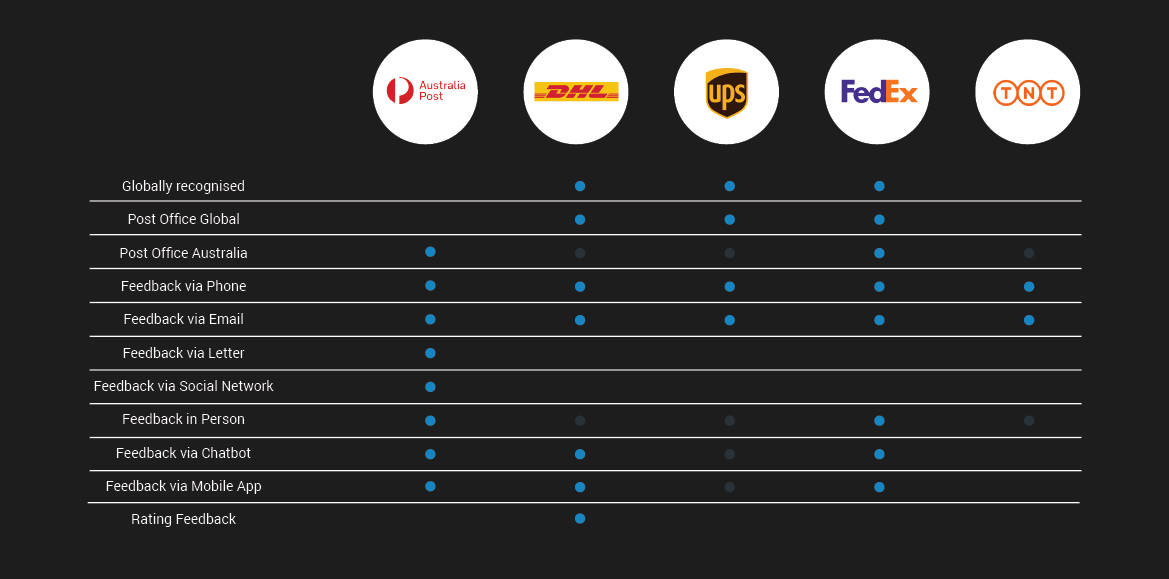
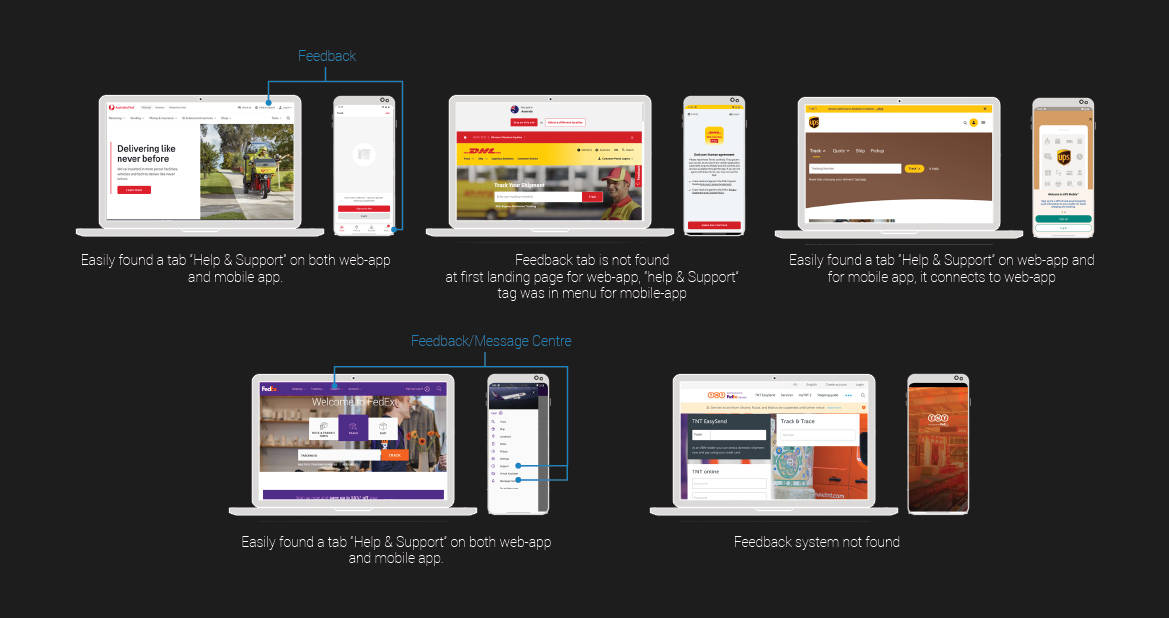
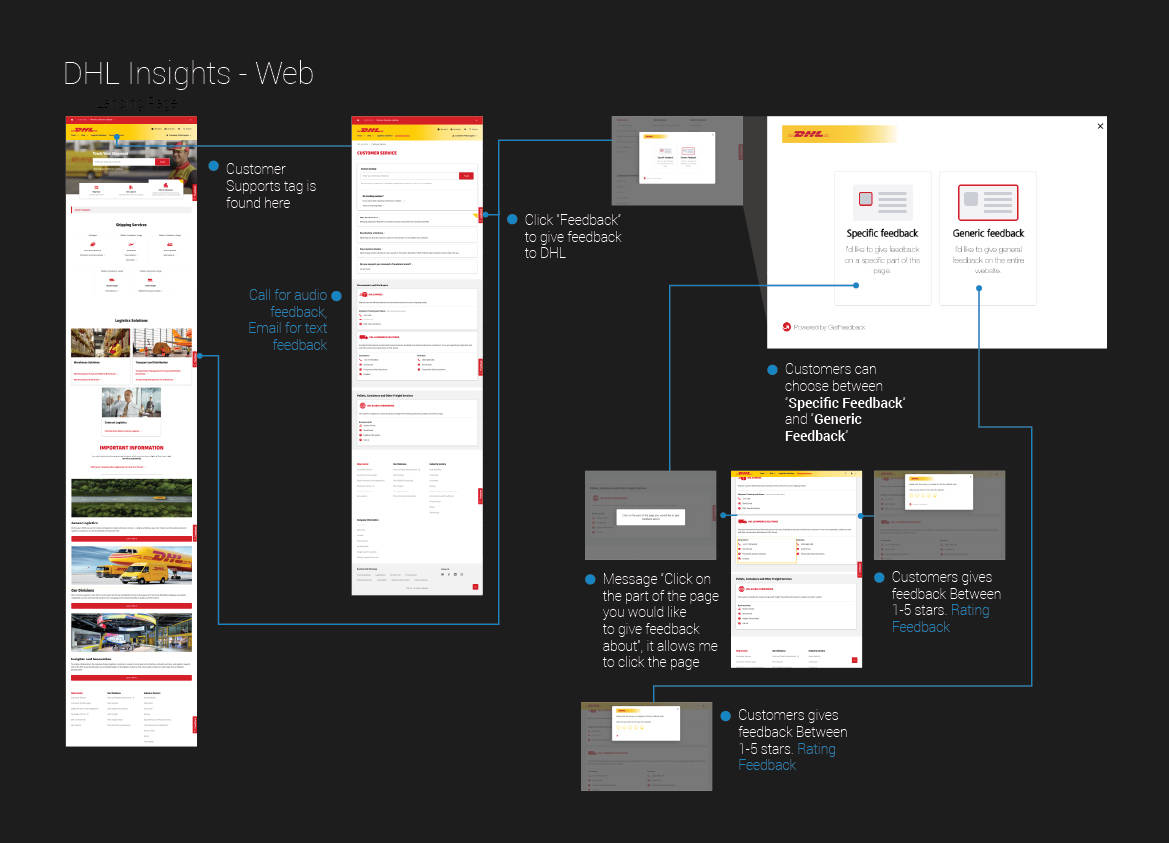
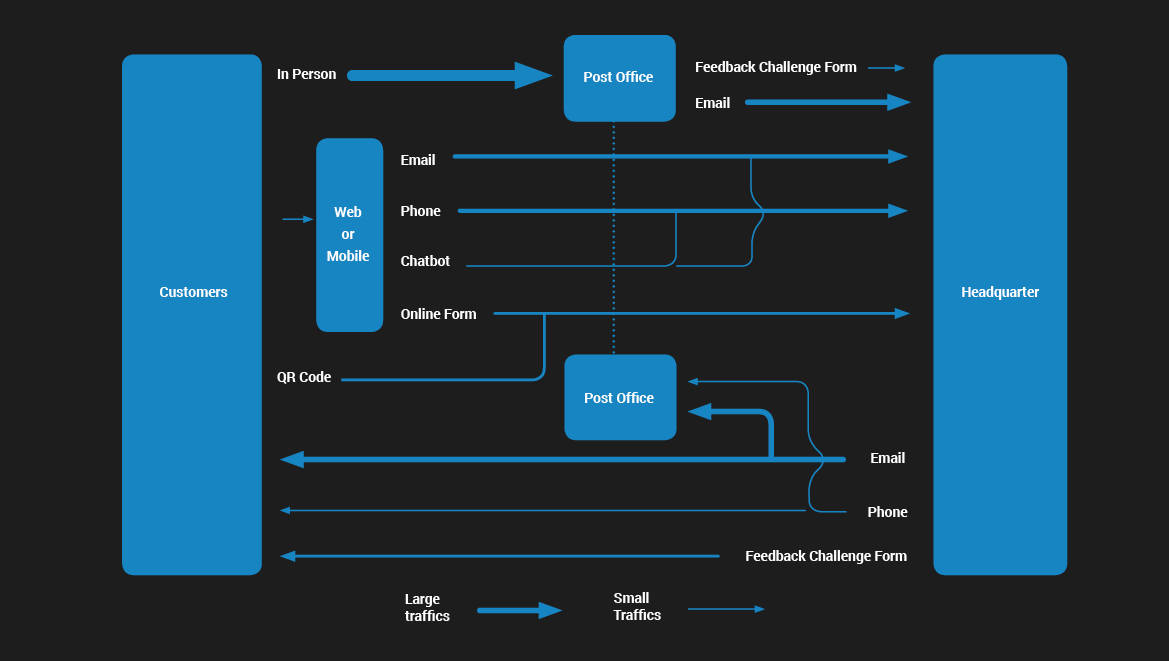
This diagram shows the method of how customers send feedback to those companies.
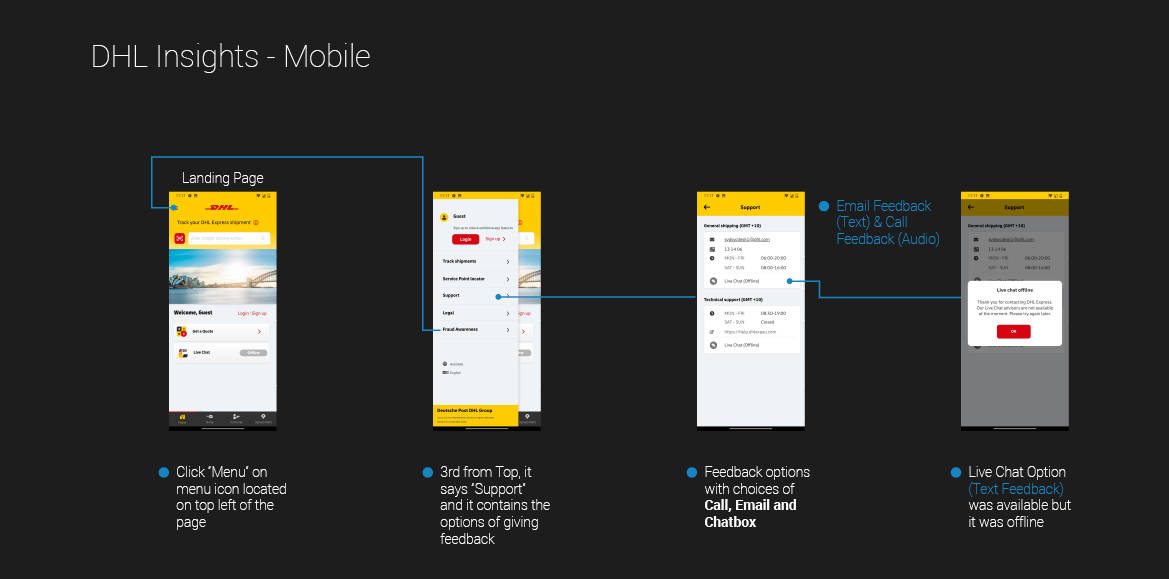
Analysis of Current Platforms
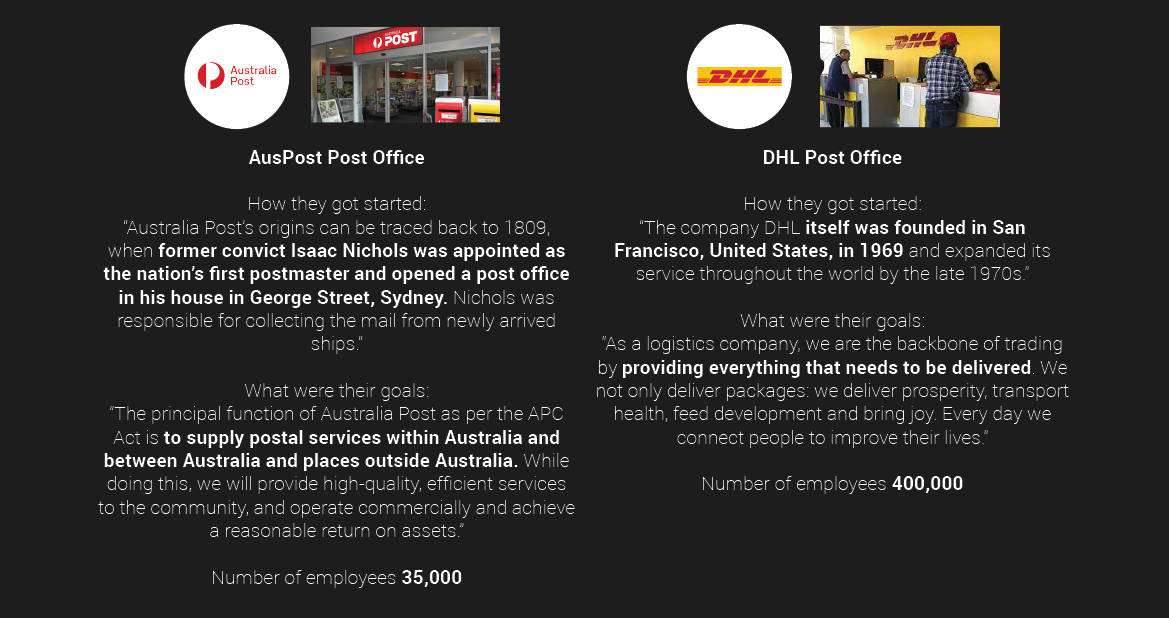
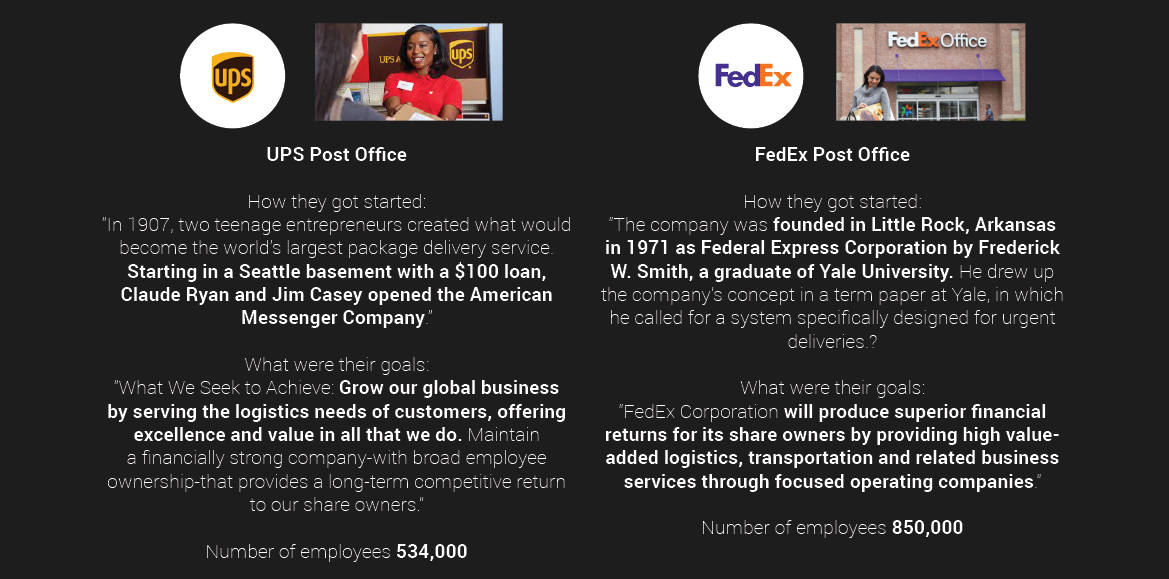
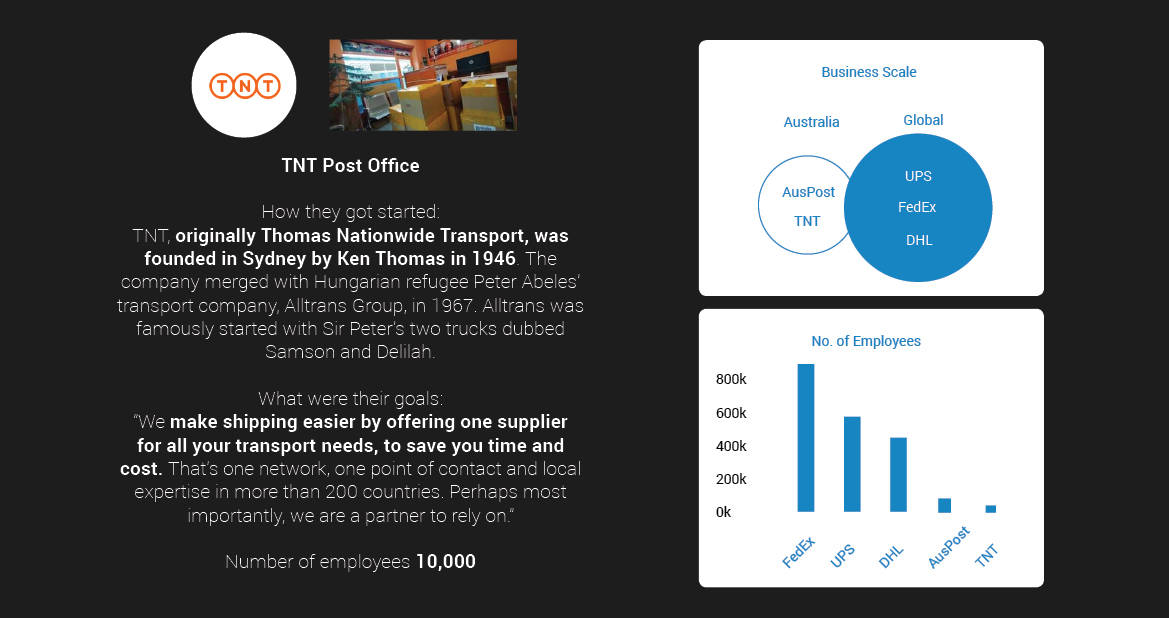
First Impressions of 5 competitors in Austraia.
Customer Research
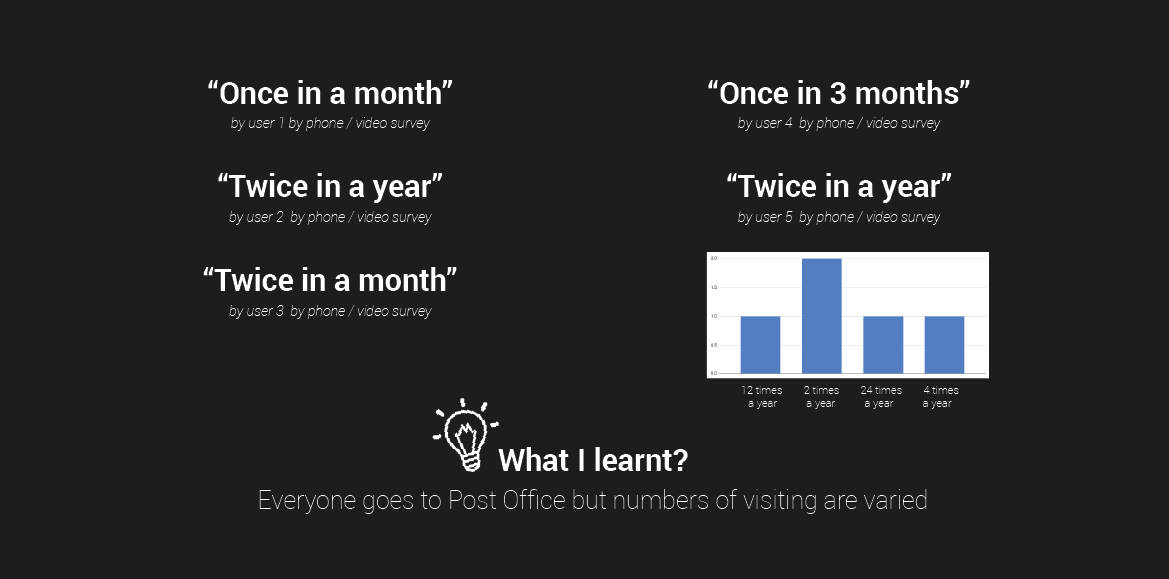
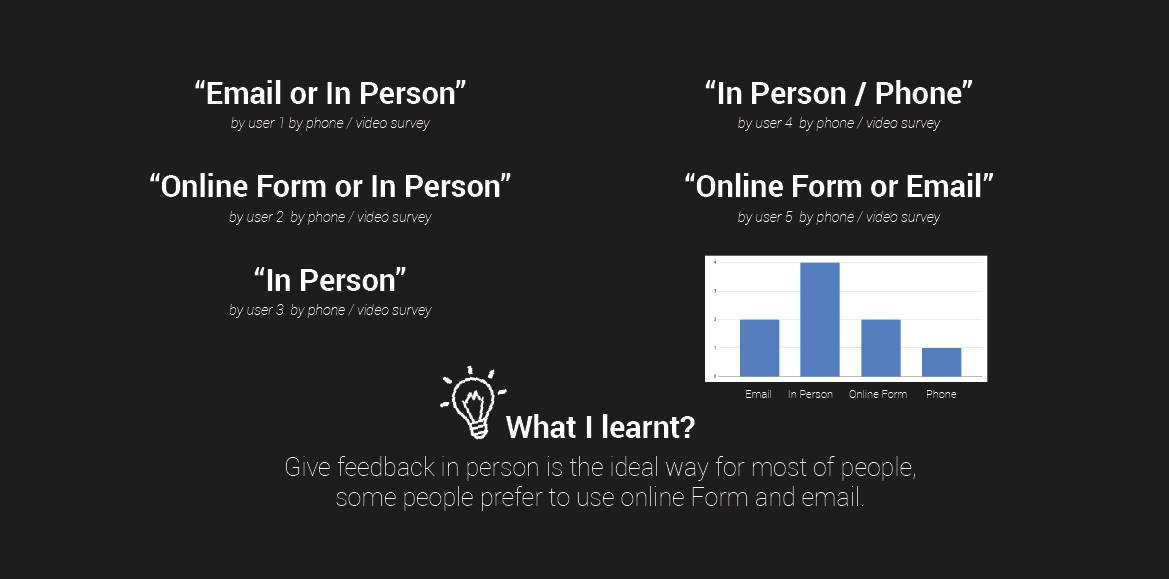
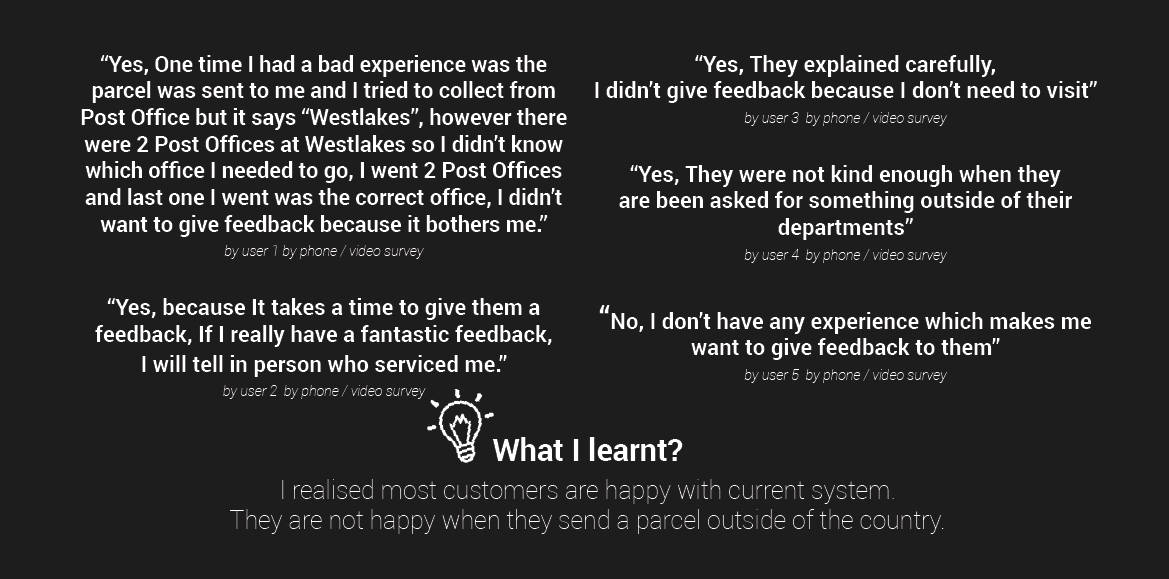
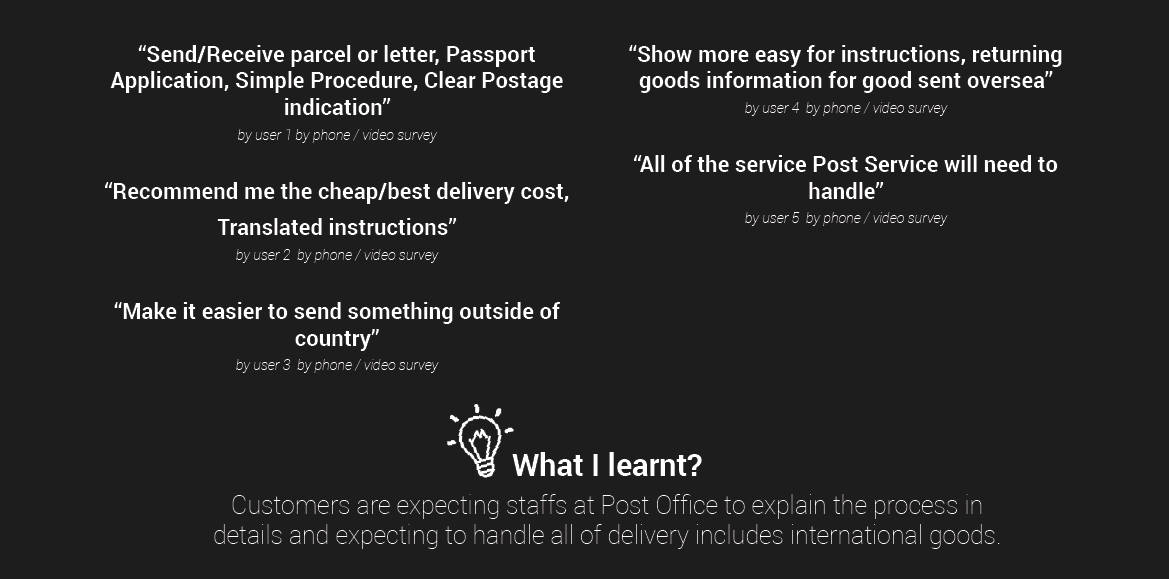
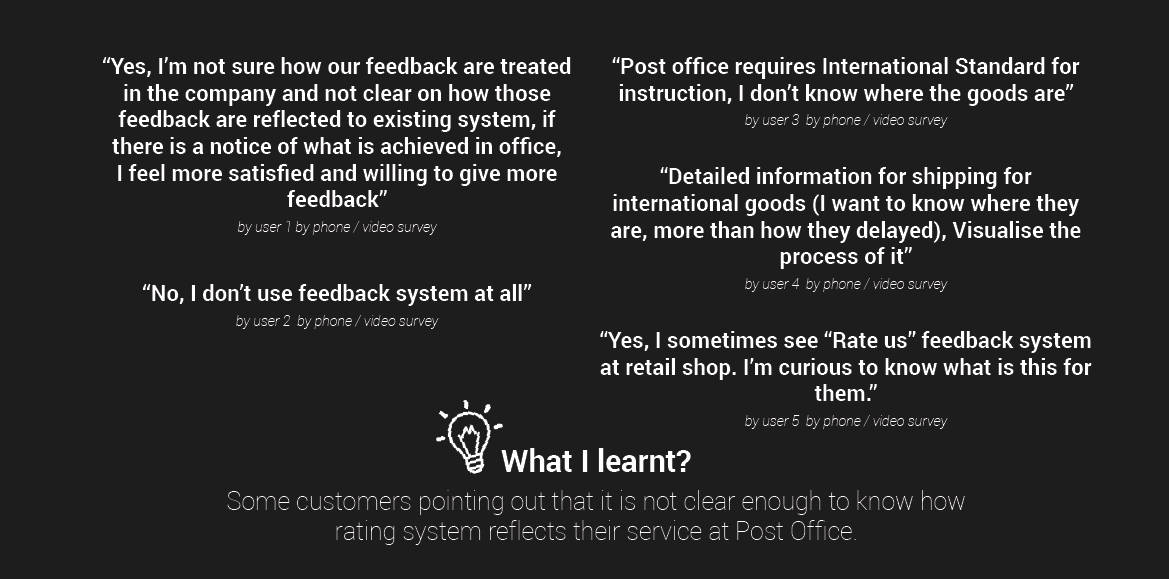
I conducted a survey for customer research and I collected 5 responses from family and friends by phone/video chat.
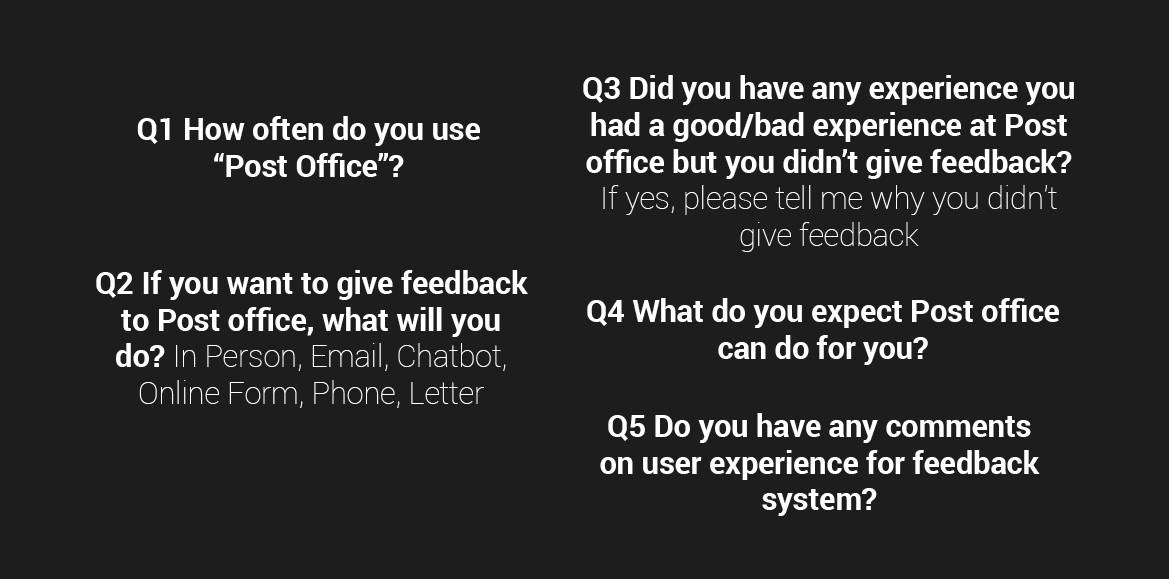
Q1 How often do you "Post Office"?
Q2 If you want to give feedback to Post office, what will you do? In Person, Chatbot, Online Form, Phone or/and Letter.
Q3 Did you have any experience you had a good/bad experience at Post
office but you didn't give feedback? If yes, please tell me why you didn't
give feedback
Q4 What do you expect Post office to do for you?
Q5 Do you have any comments on user experience for feedback system?
Customer Research - Monitoring
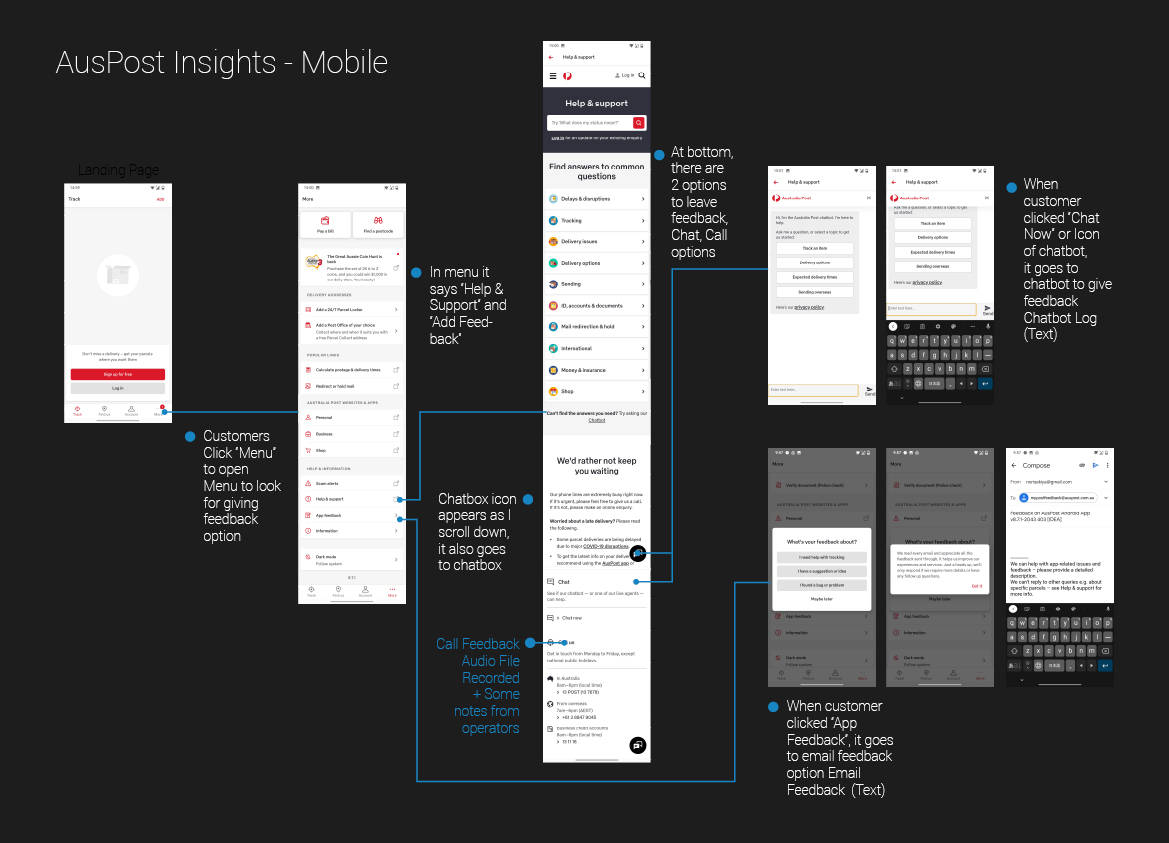
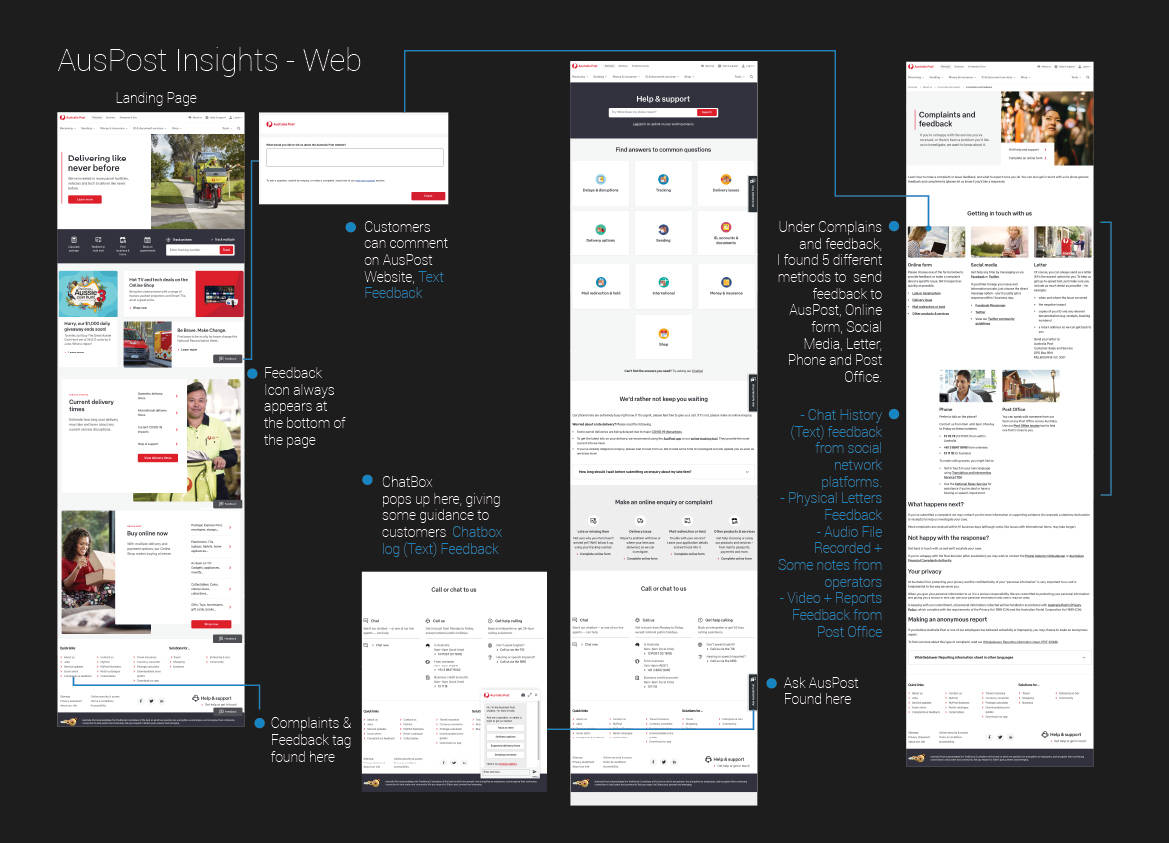
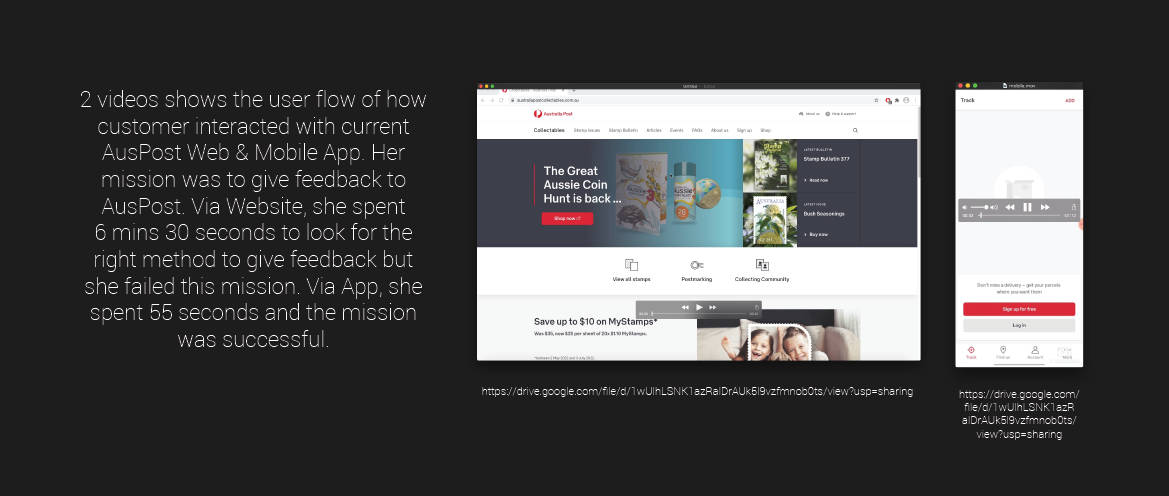
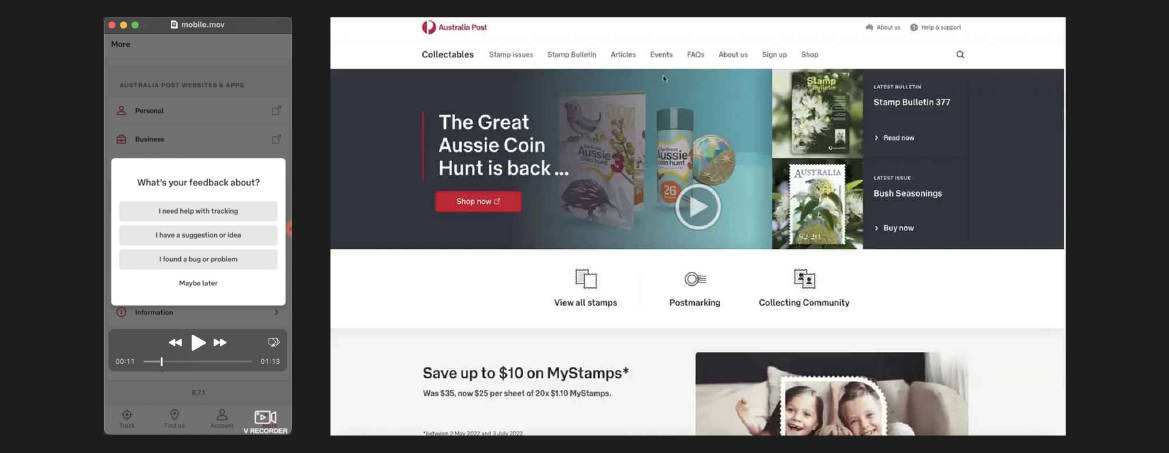
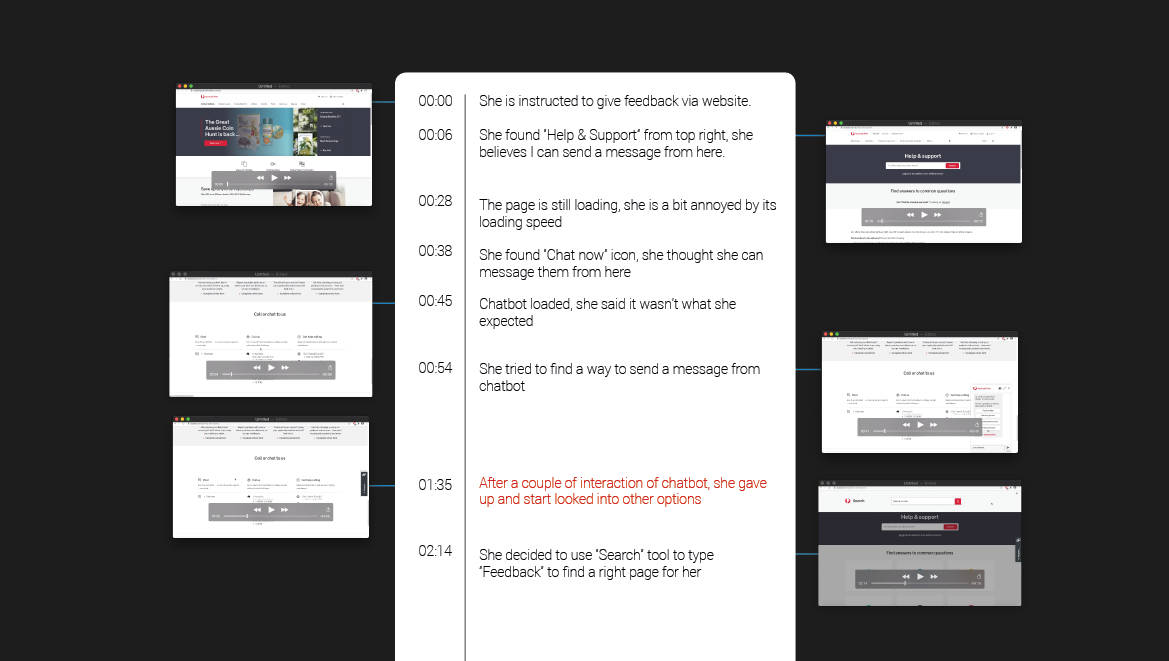
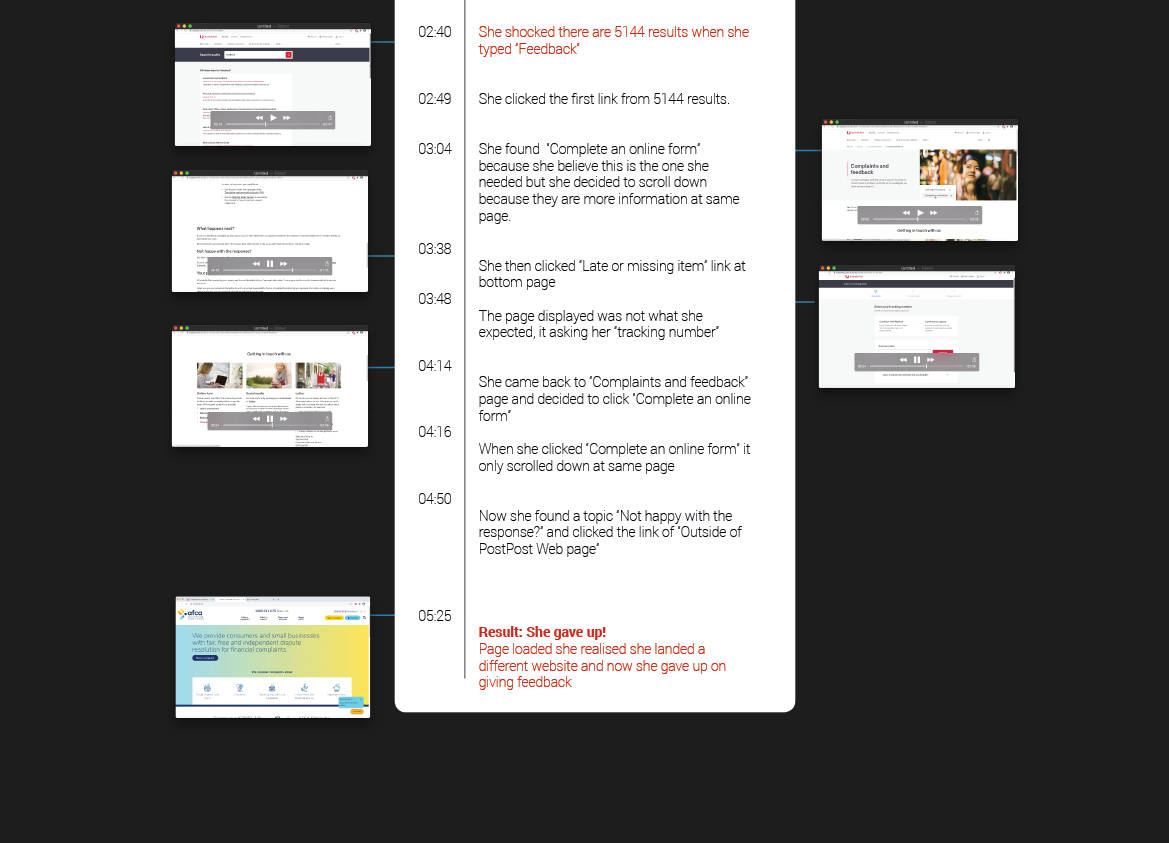
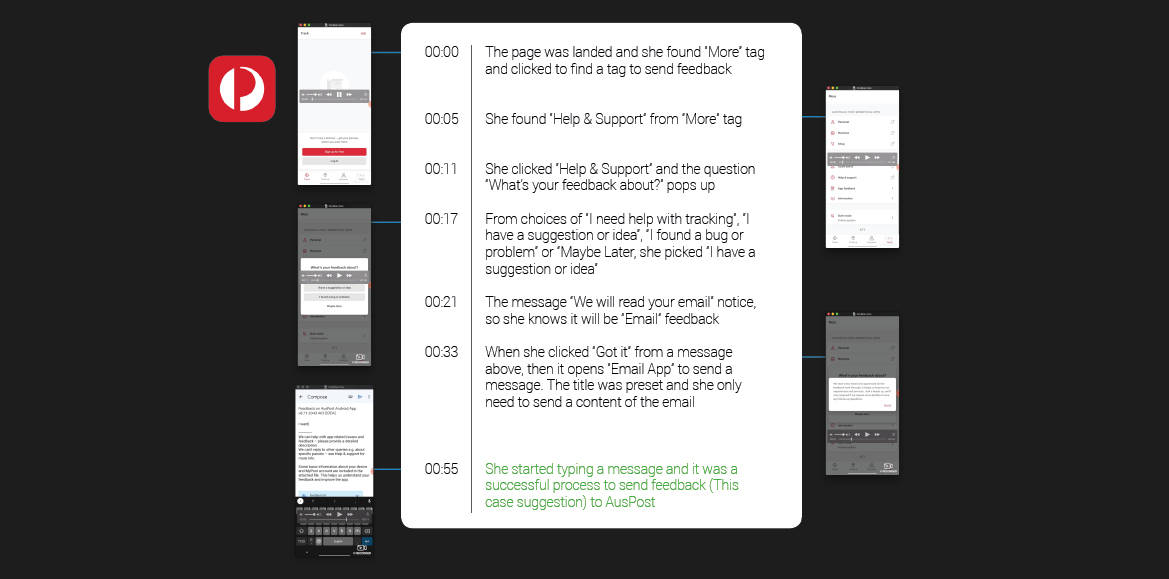
Analysis of monitoring customer's interaction
with existing AusPost feedback system - Web & Mobile App
Analysis of monitoring customer's interaction
with existing feedback system - Web
Analysis of monitoring customer's interaction
with existing feedback system - Mobile App
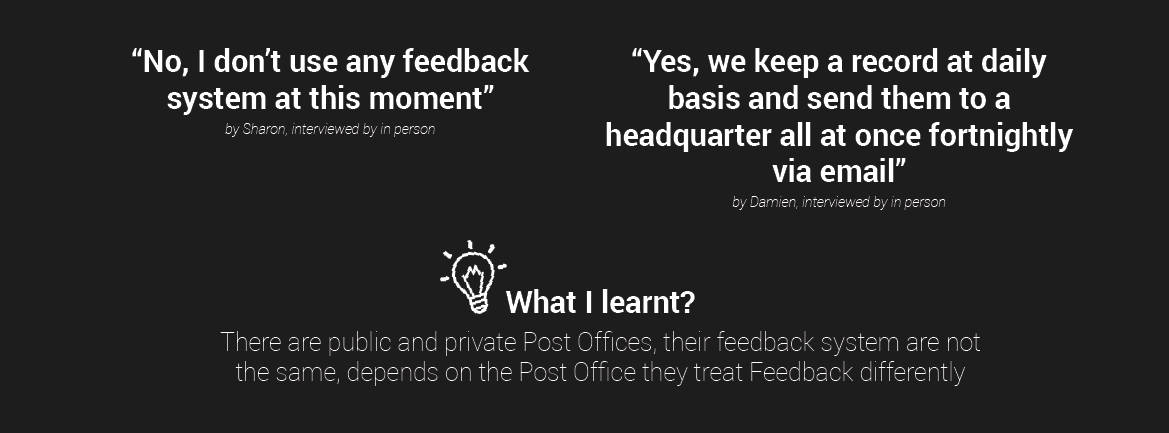
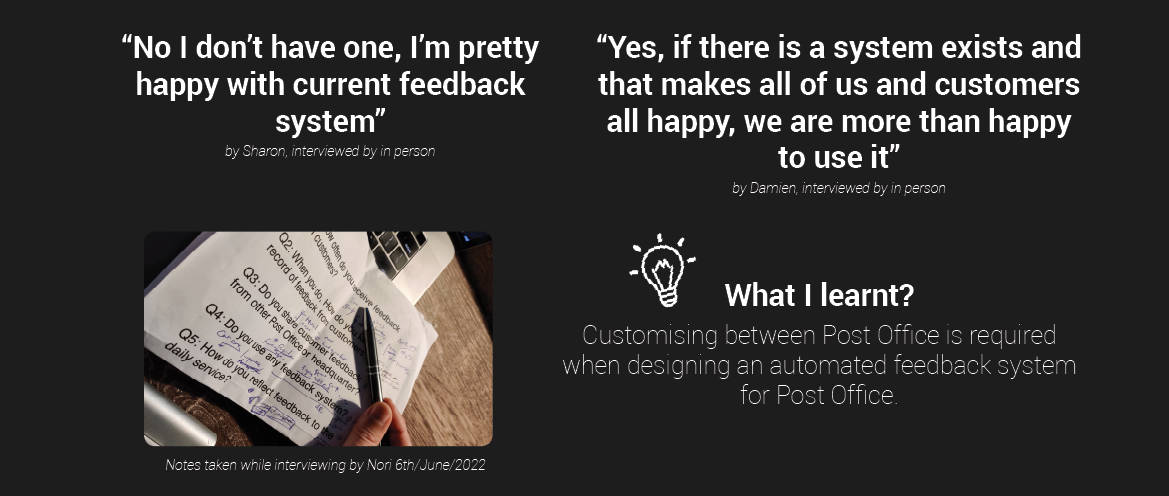
Staff Research
I conducted a survery for customer research and I collected
2 valued responses from staffs working at 4 Post Offices
(Interviewed on 6th/June)
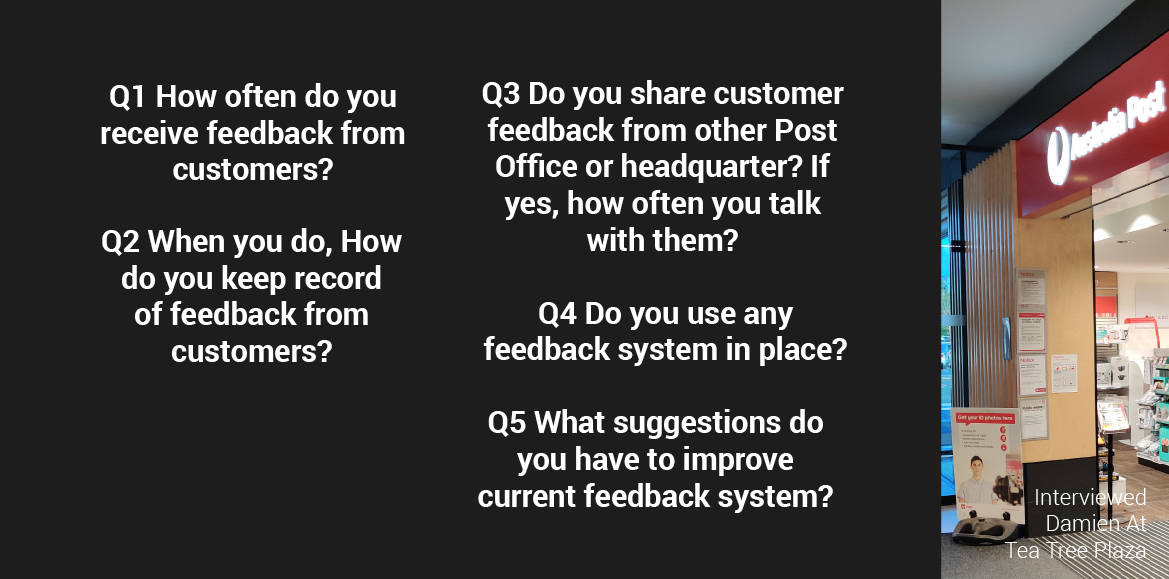
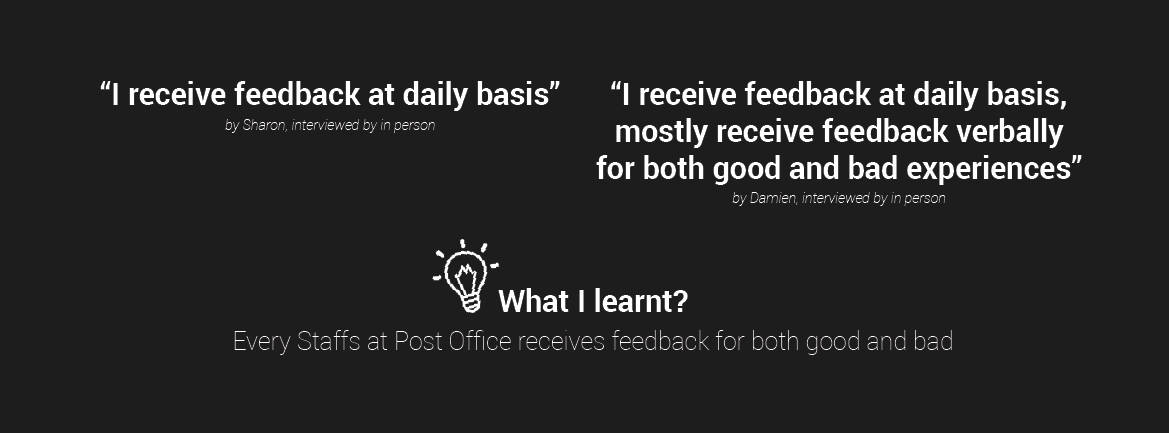
Q1 How often do you receive feedback from customers?
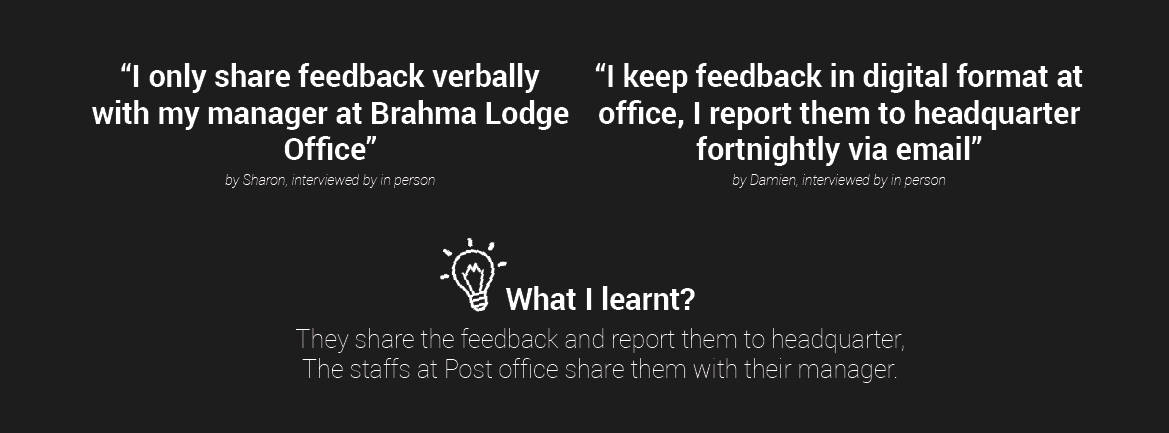
Q2 When you do, How do you keep record of feedback from customers?
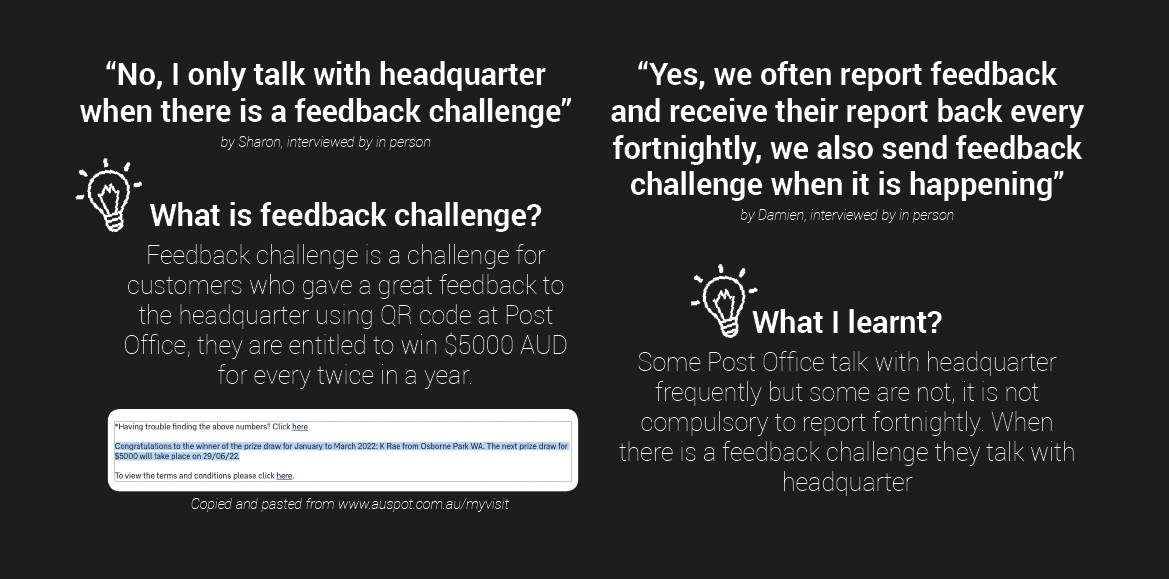
Q3 Do you share customer feedback from other Post Office or
headquarter? If yes, how often you talk with them?
Q4 Do you use any feedback system?
Q5 What suggestions do you have to improve current feedback system?
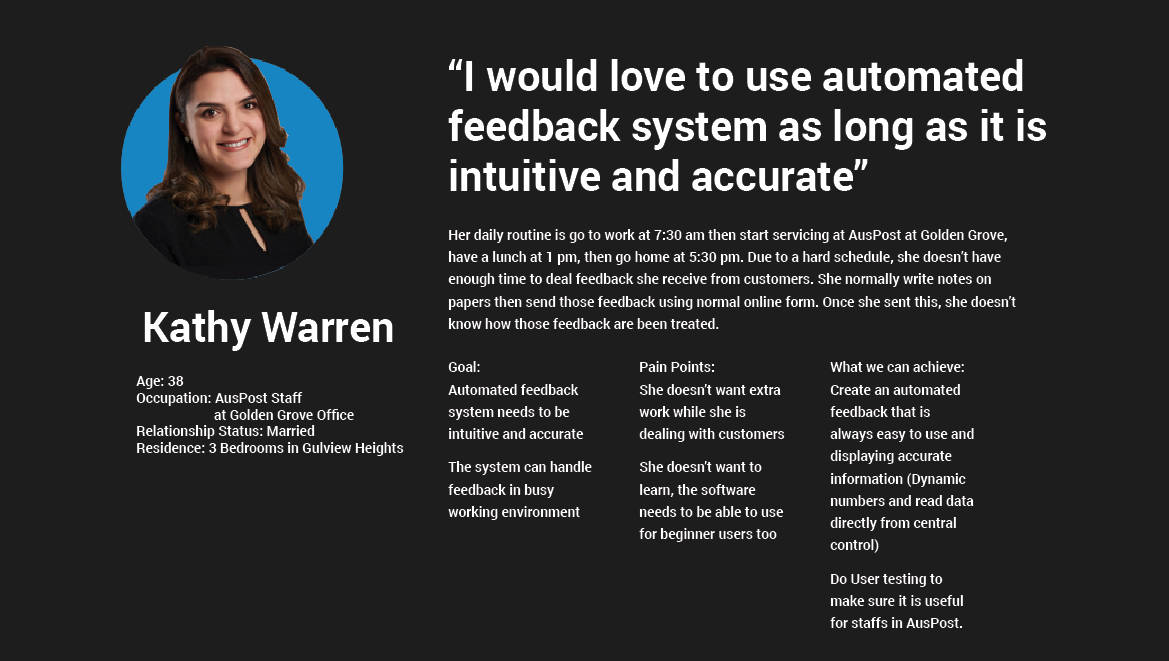
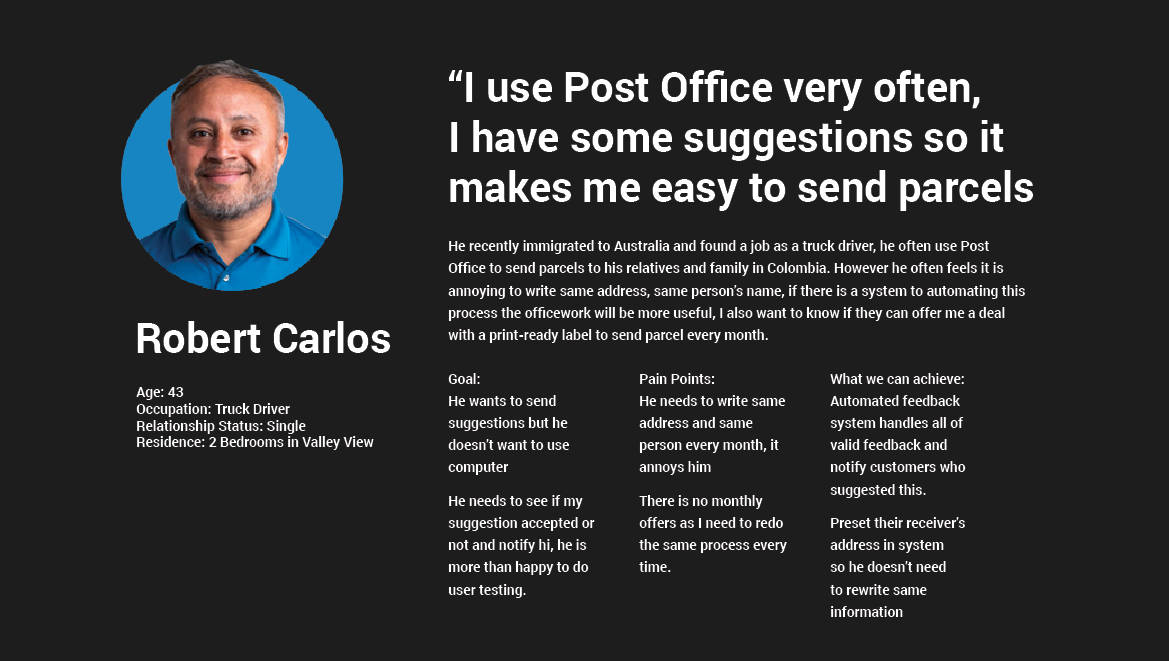
Personas
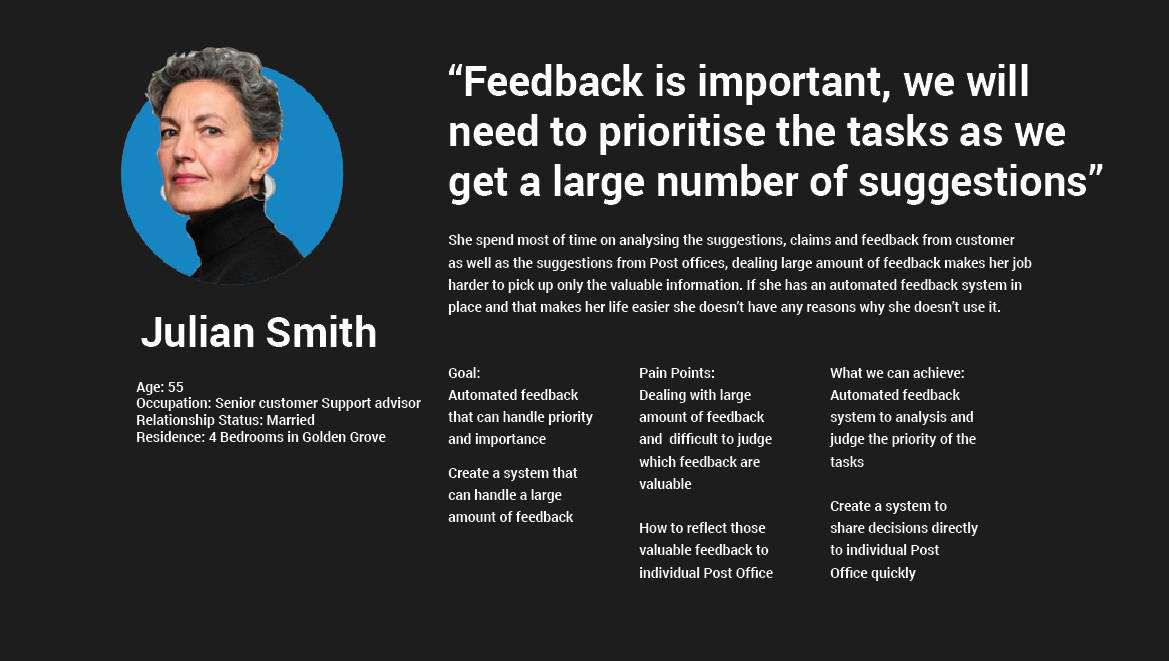
Created 3 different personas and they are potential users to interact
with “Automated Feedback System” for Post Office in near future.
Persona 1
Persona 2
Persona 3
Feedback Workflow - Current
Feedback System Analysis
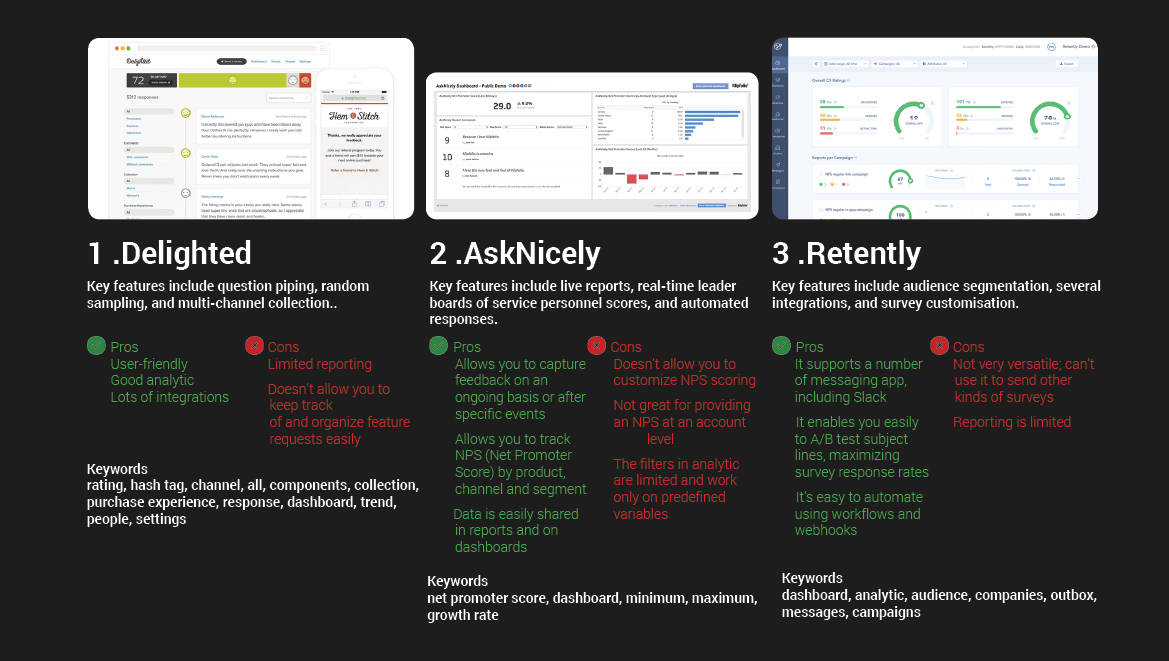
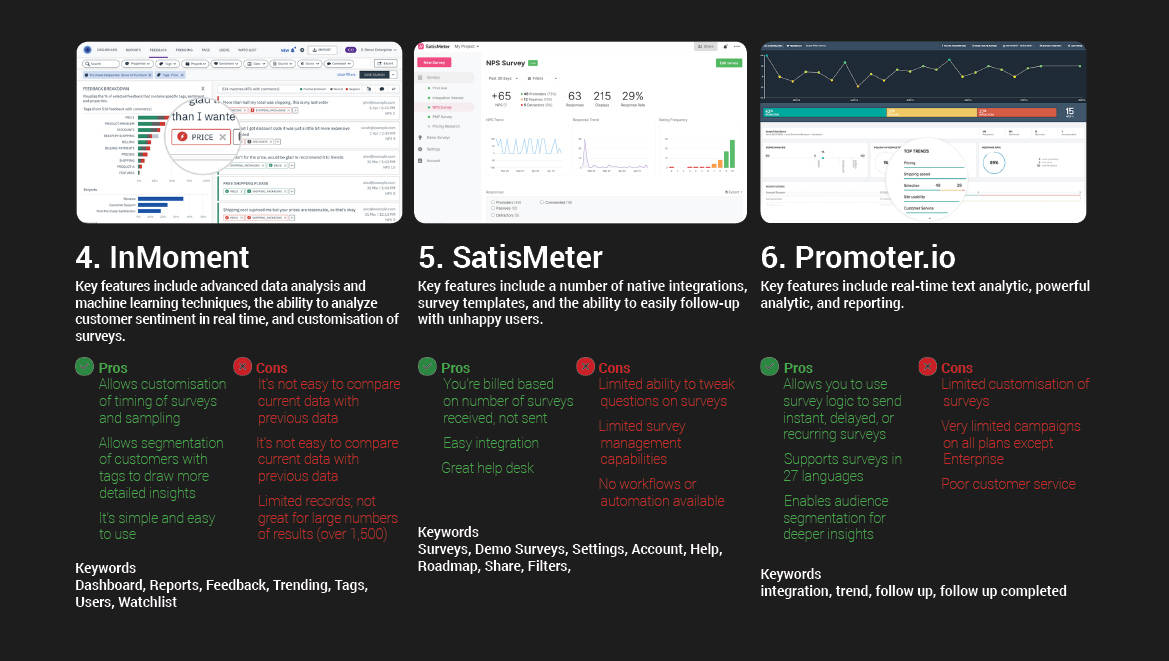
I analysed 6 competitor's current feedback systems that are available online,
I listed their pros and cons, I also listed elements for card sorting.
Another 3 competitors listed here, with their pros and cons I summarised in details.
Prioritisation
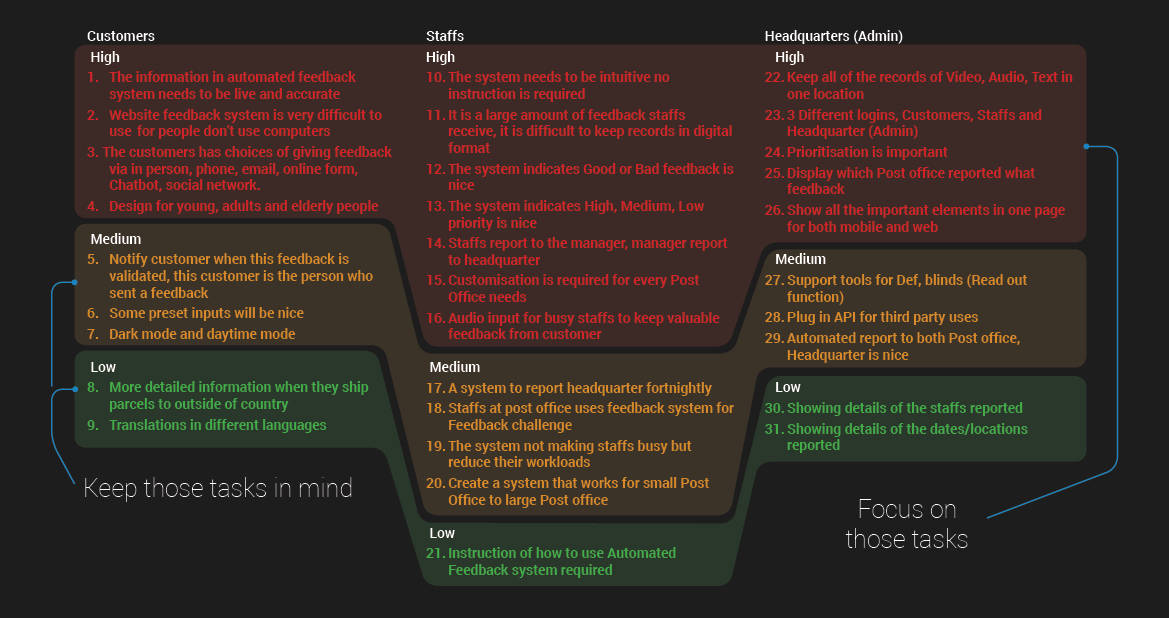
There are 31 tasks I need to go through for 3 users (Customers/Staffs/
Headquarter), I prioritise them into high, medium and low tasks.
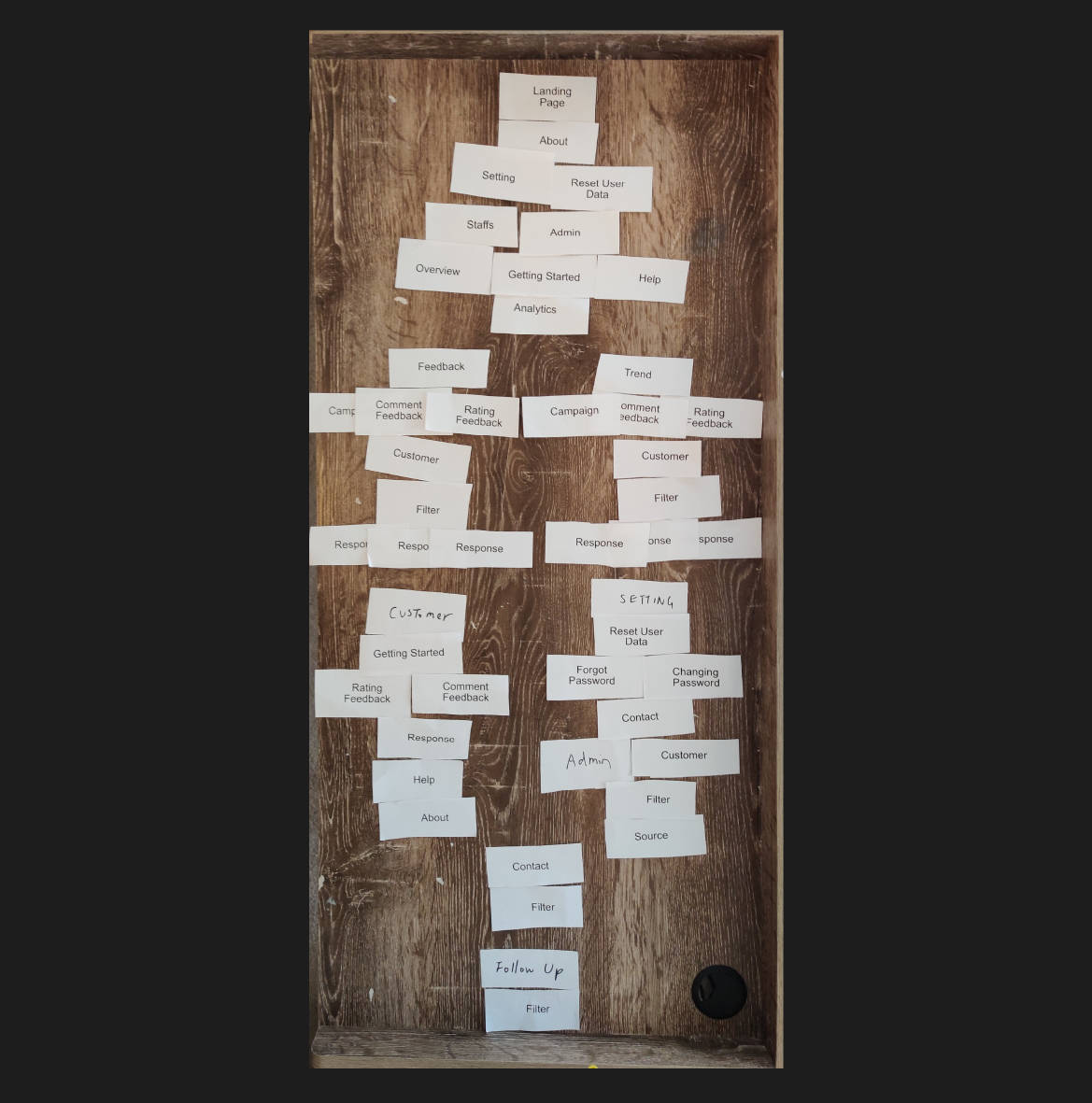
Cart Sort
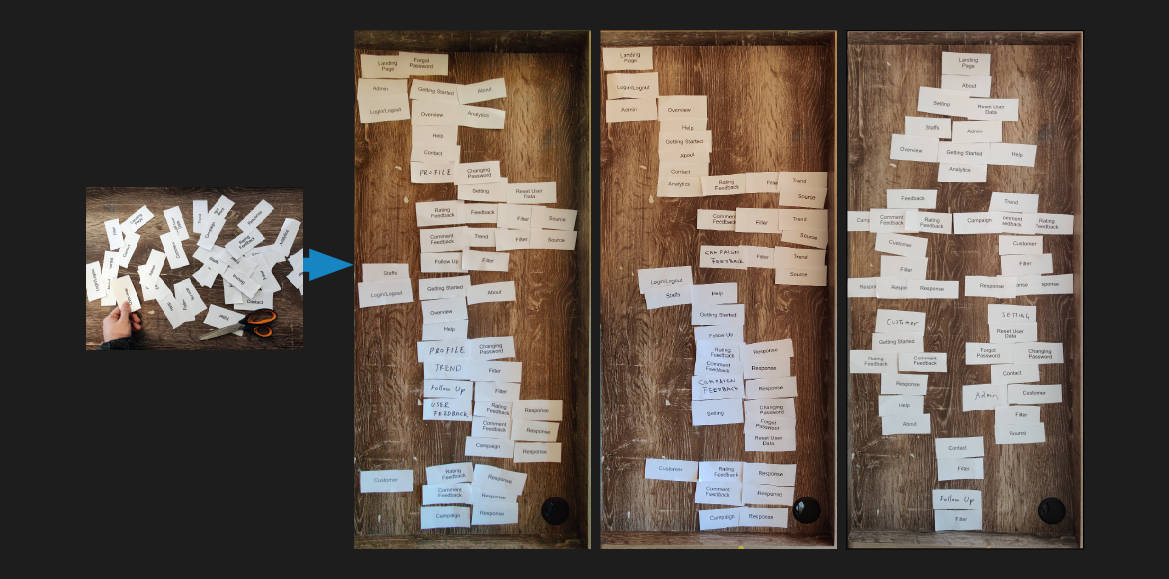
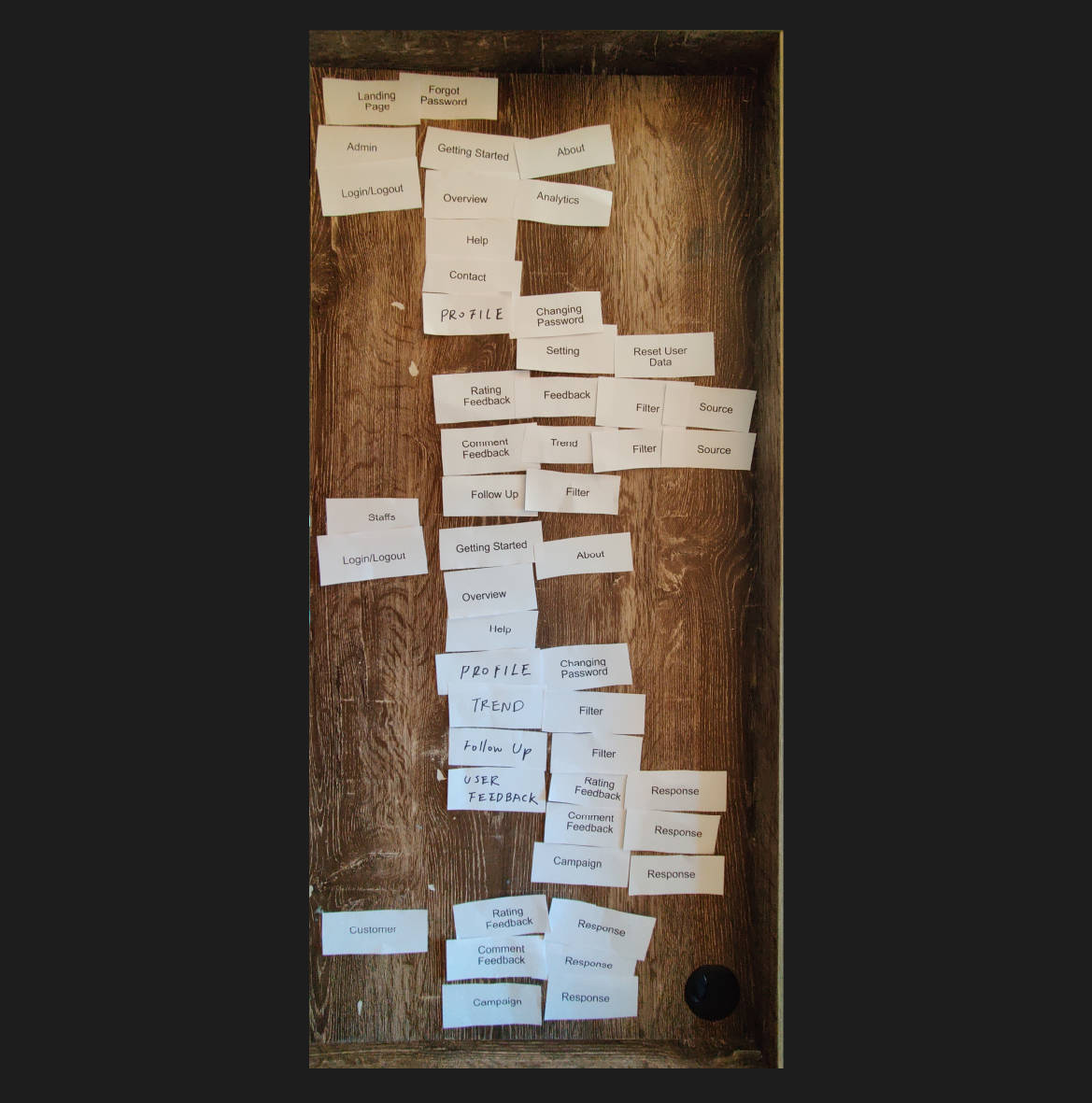
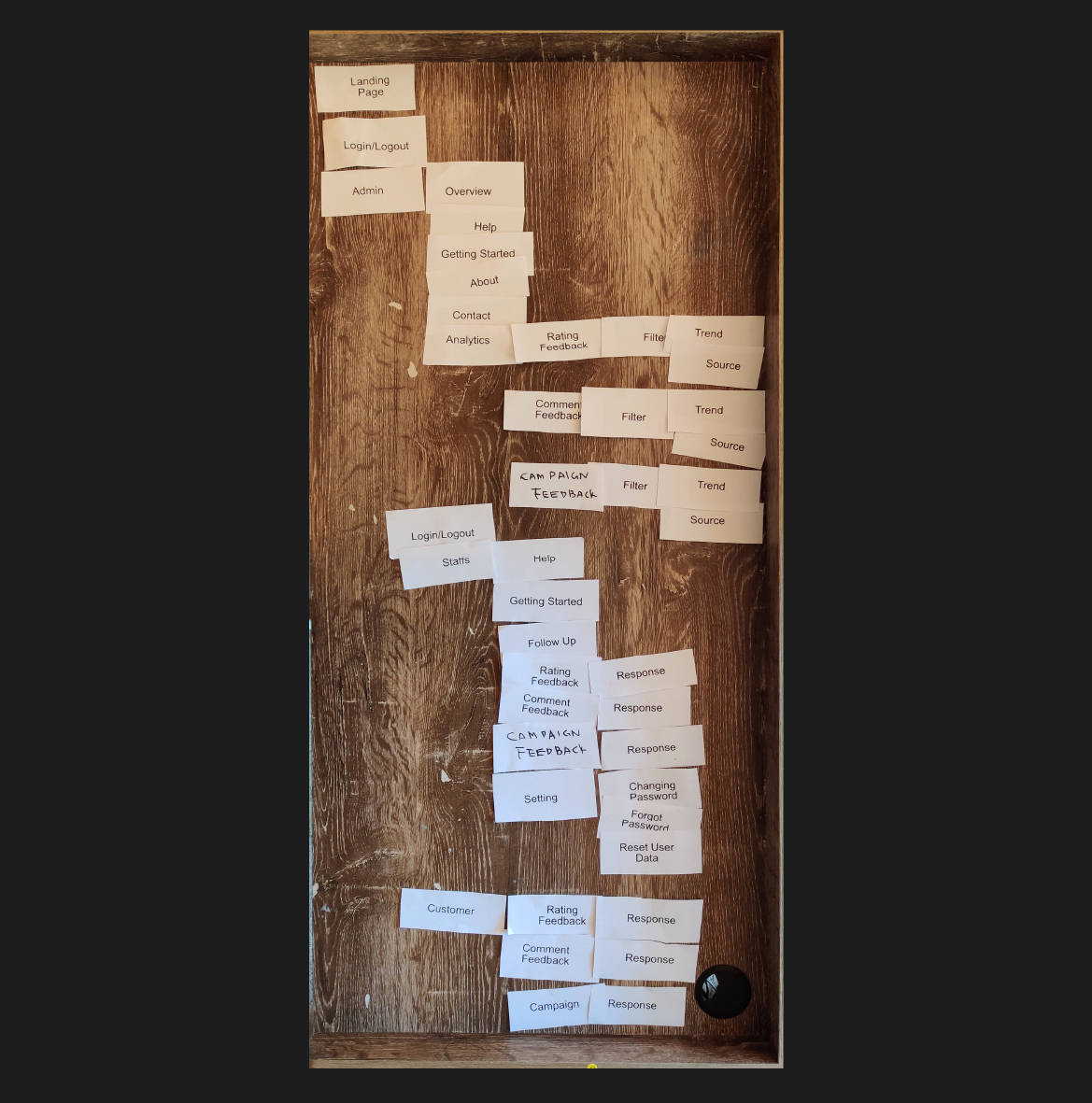
Here are 3 User Feedback Card Sorting Results, requesting them to allocate the cards in any order that they believe it should be correct. There is no right or wrong answers
User 1
User 2
User 3
Pin Up
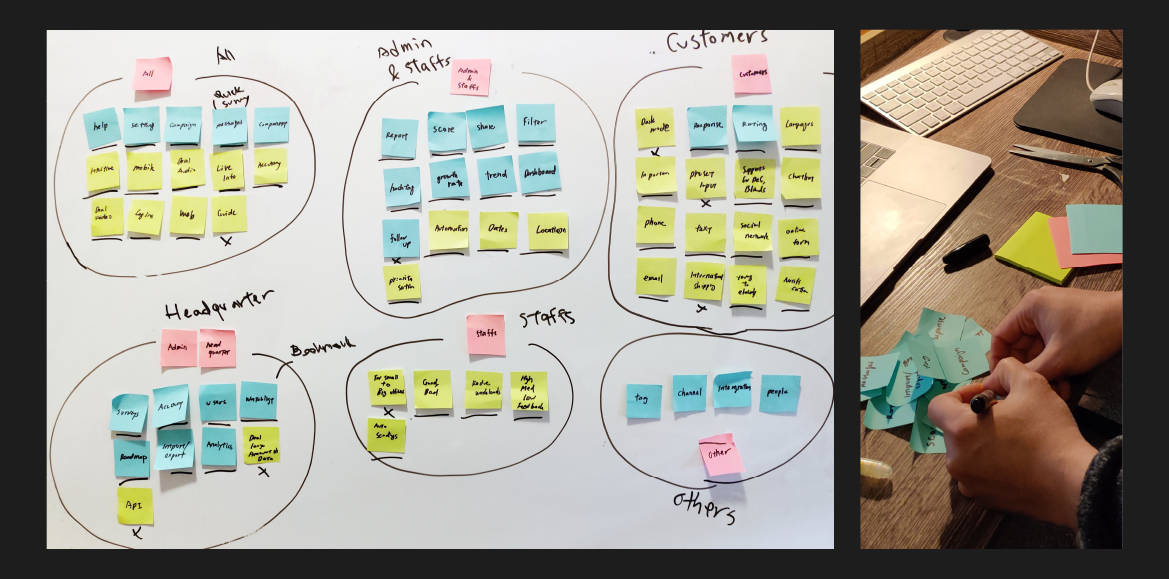
Combine User feedback, Staff feedback, Feedback sytem analysis into one board
to visualise what I need to be included for “Automated Feedback System”.
Summary from Pin ups
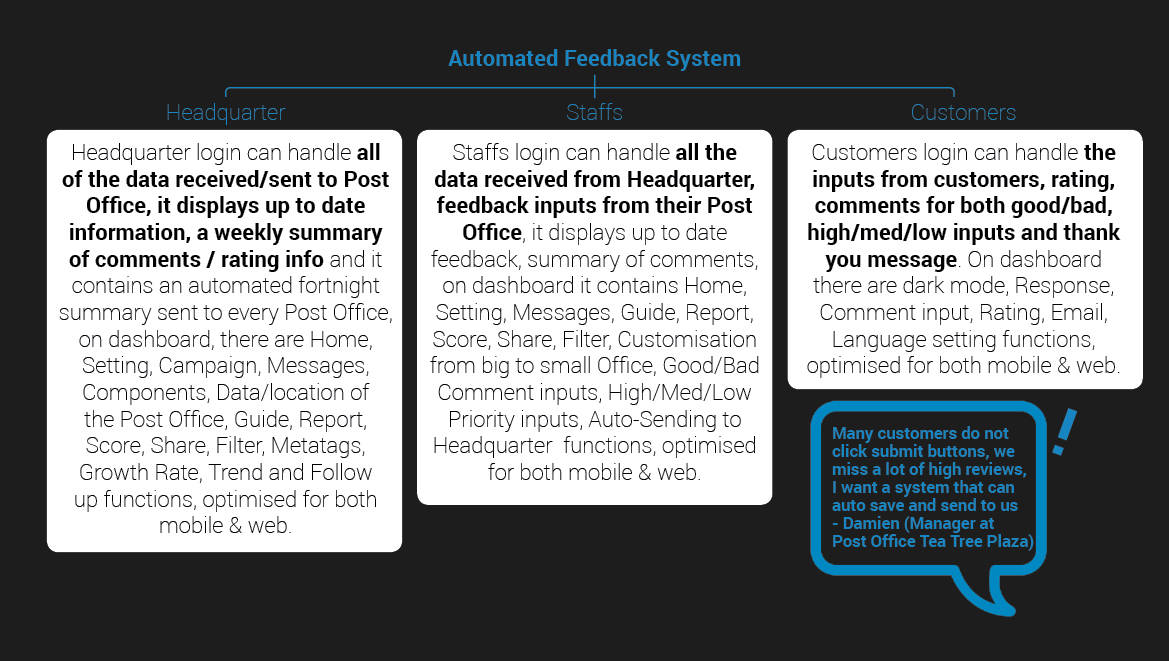
After a card sorting and pin up,
I created goals for 3 users, headquarter, staffs and customers.
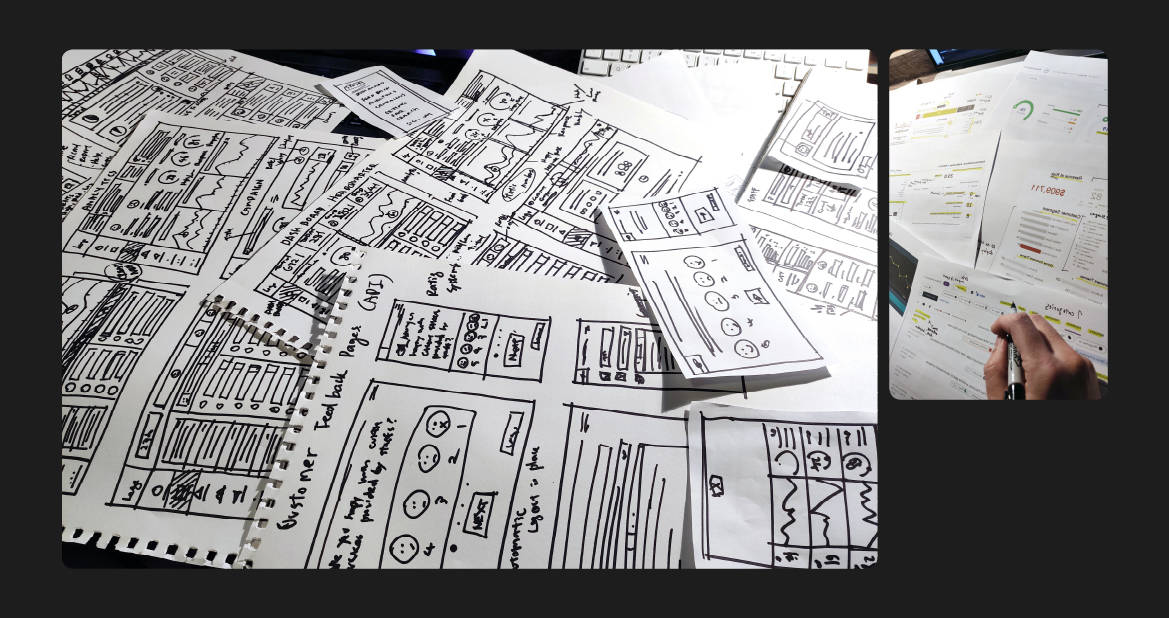
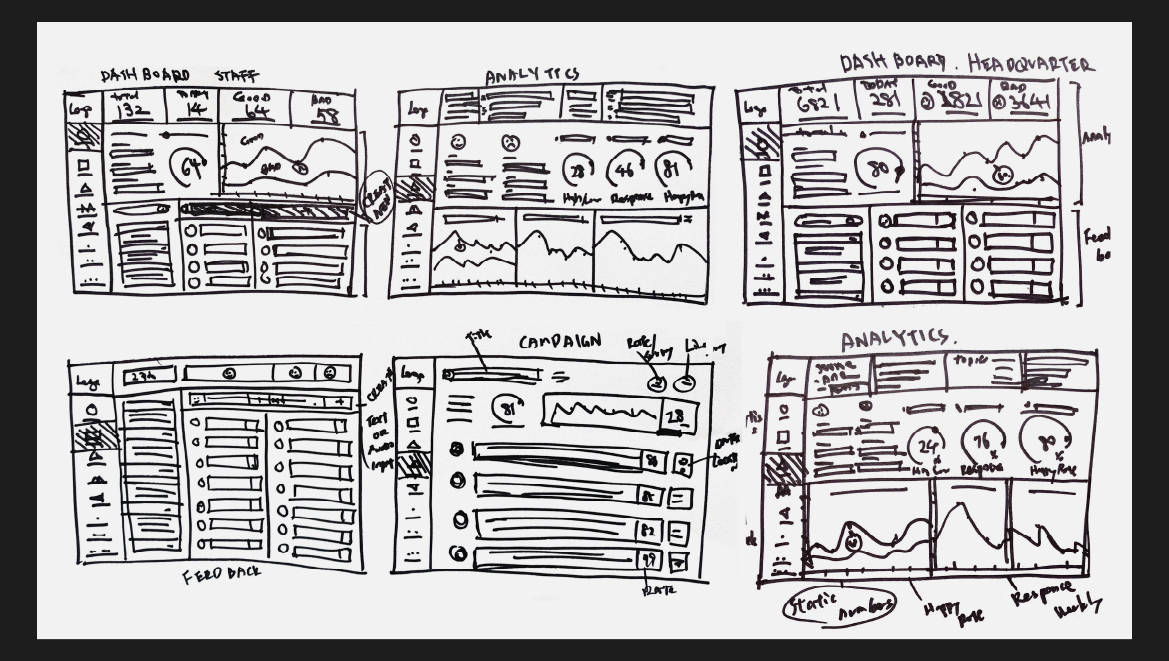
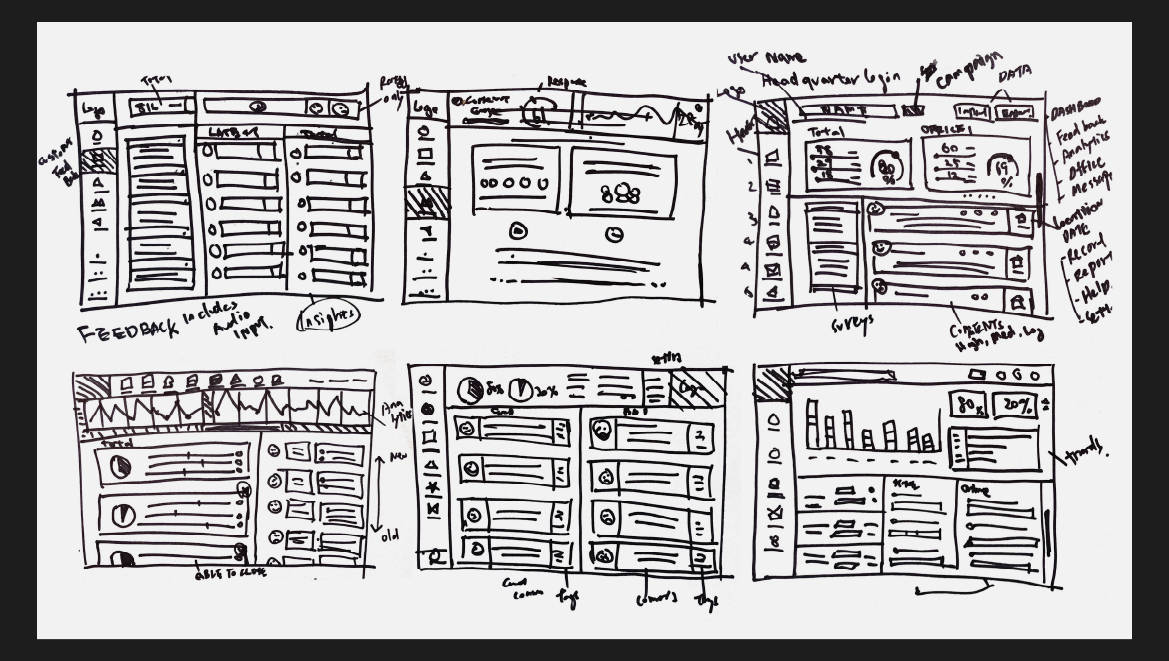
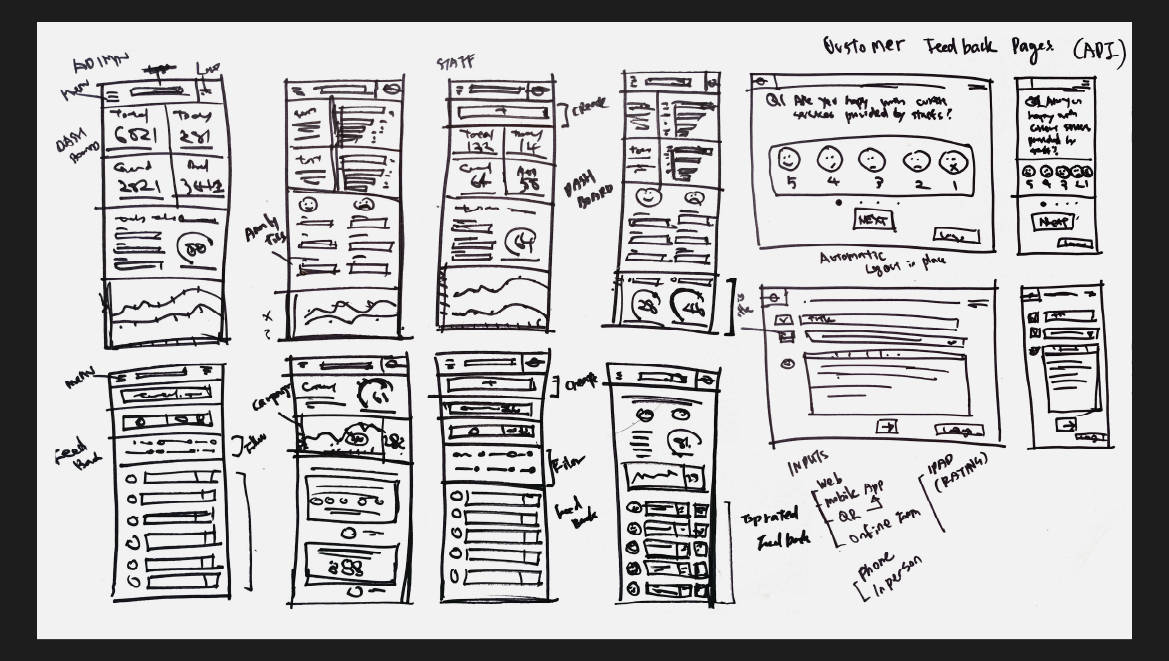
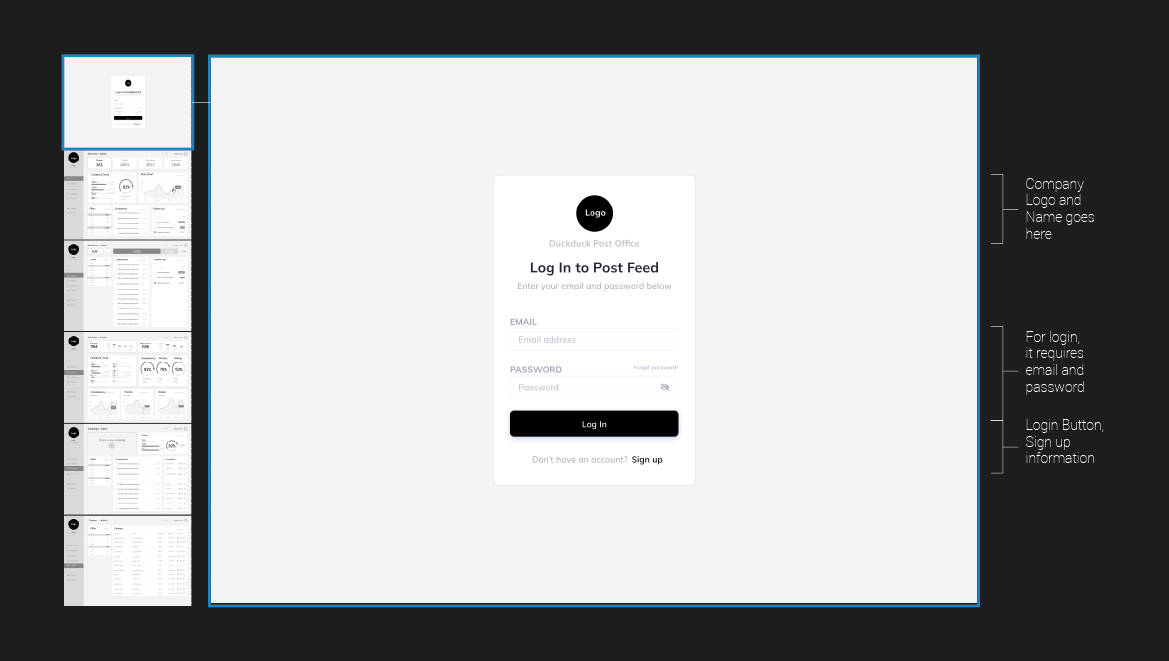
Sketches
Hand-drawing process
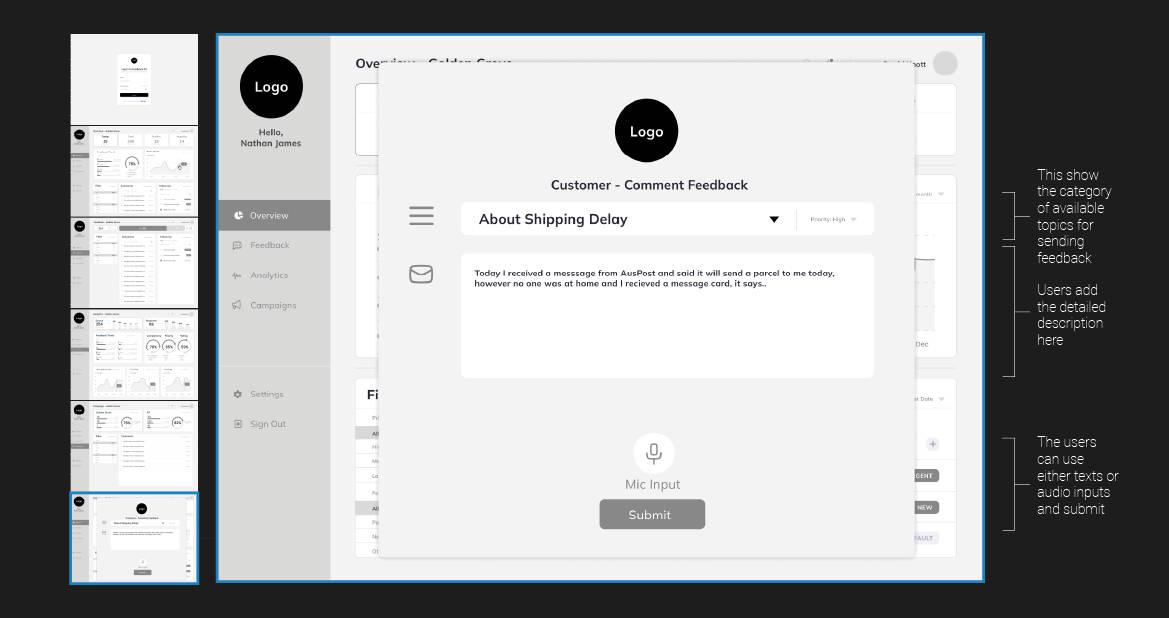
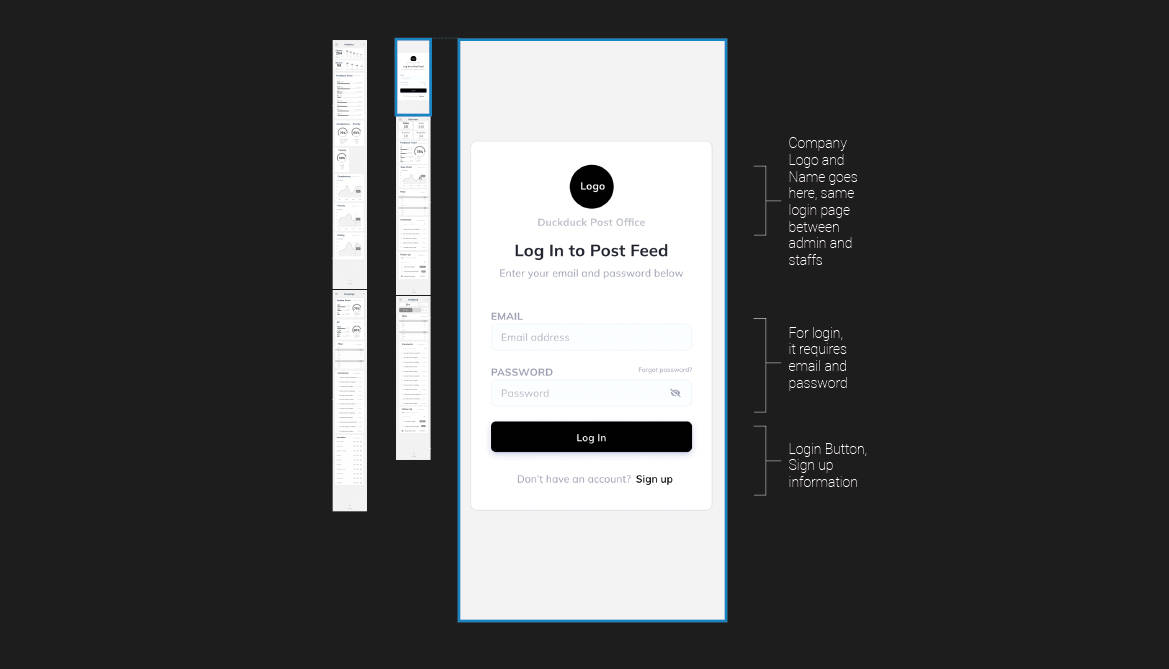
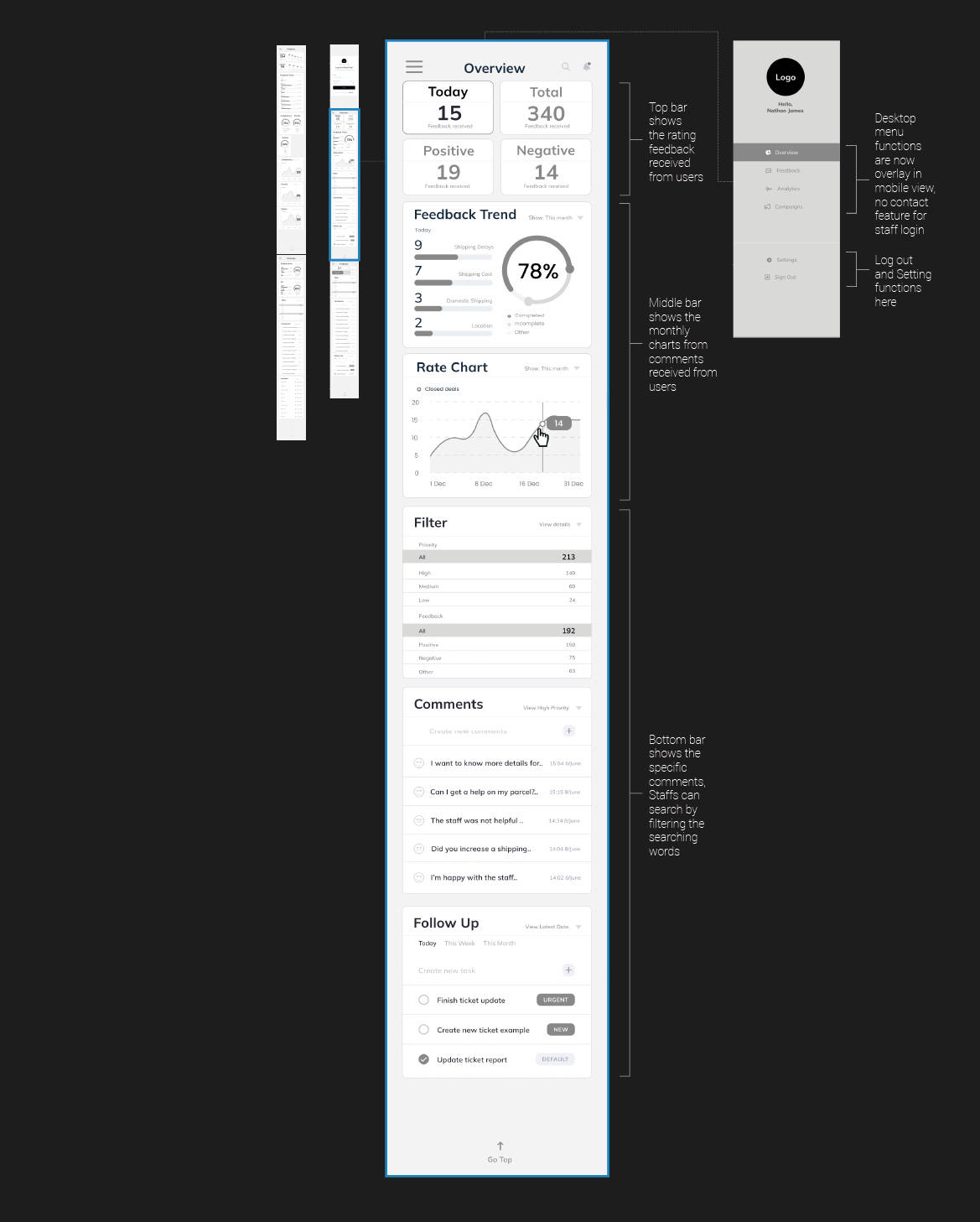
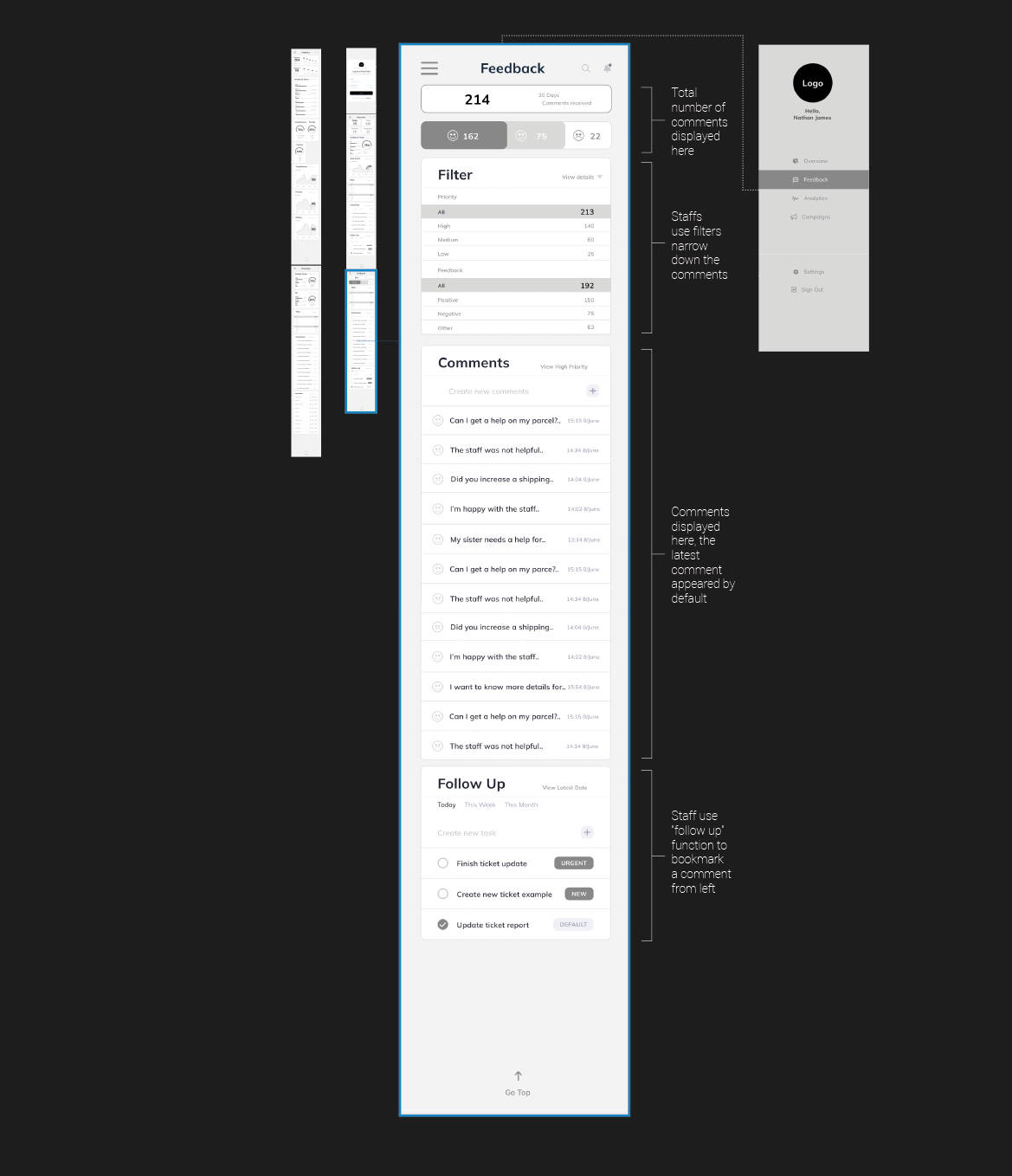
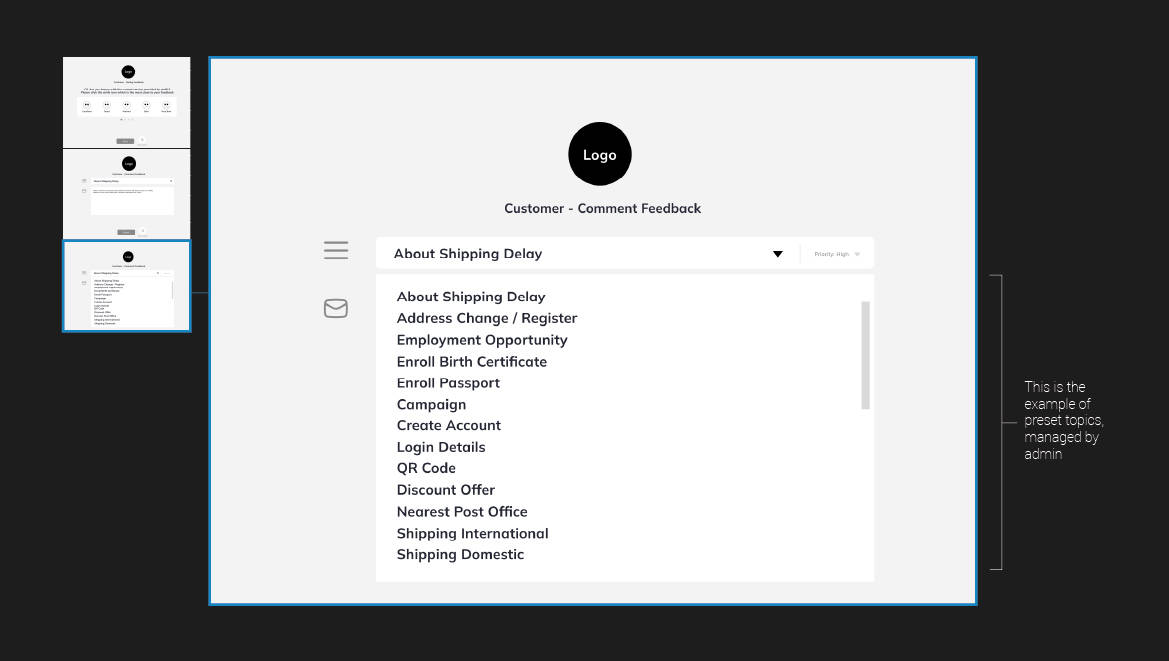
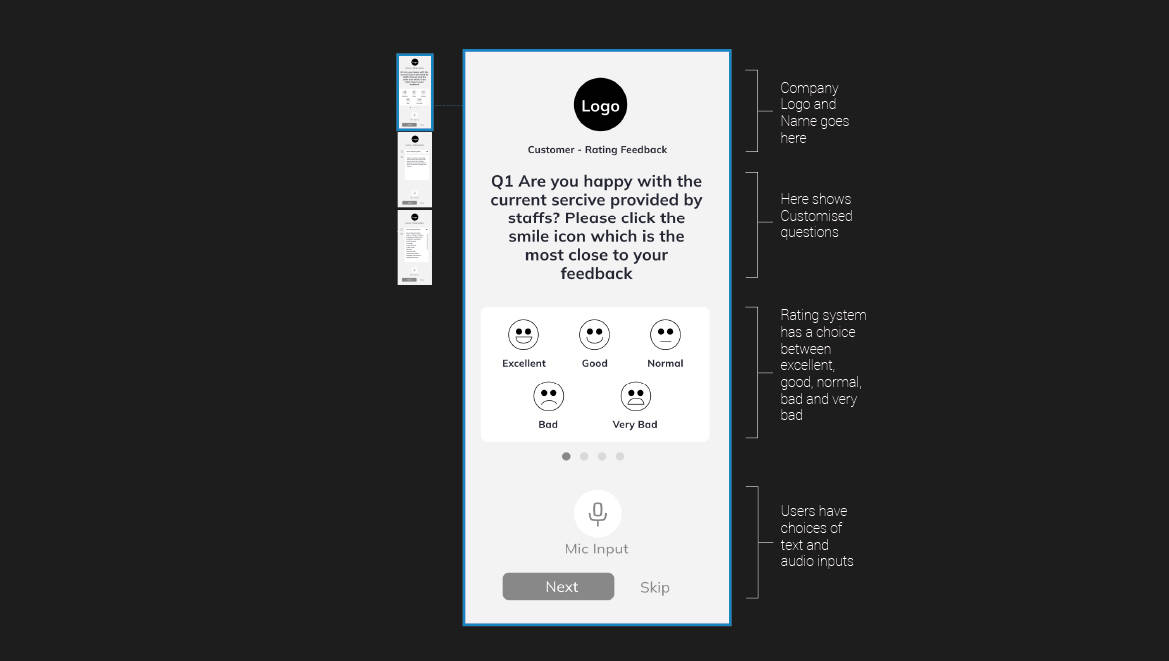
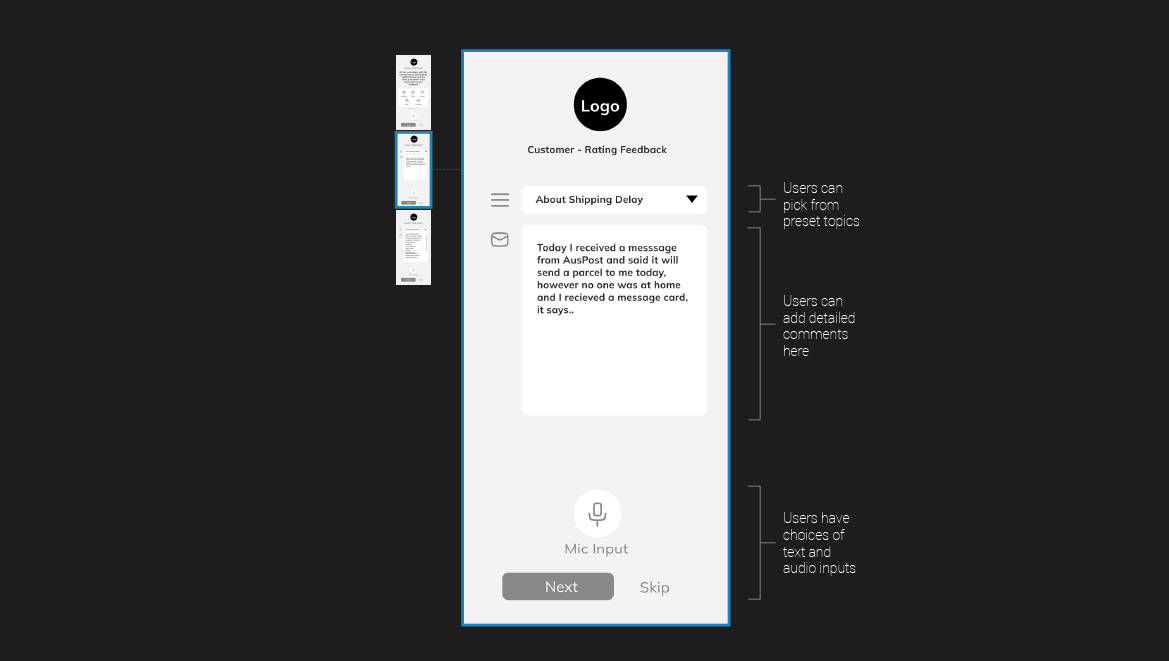
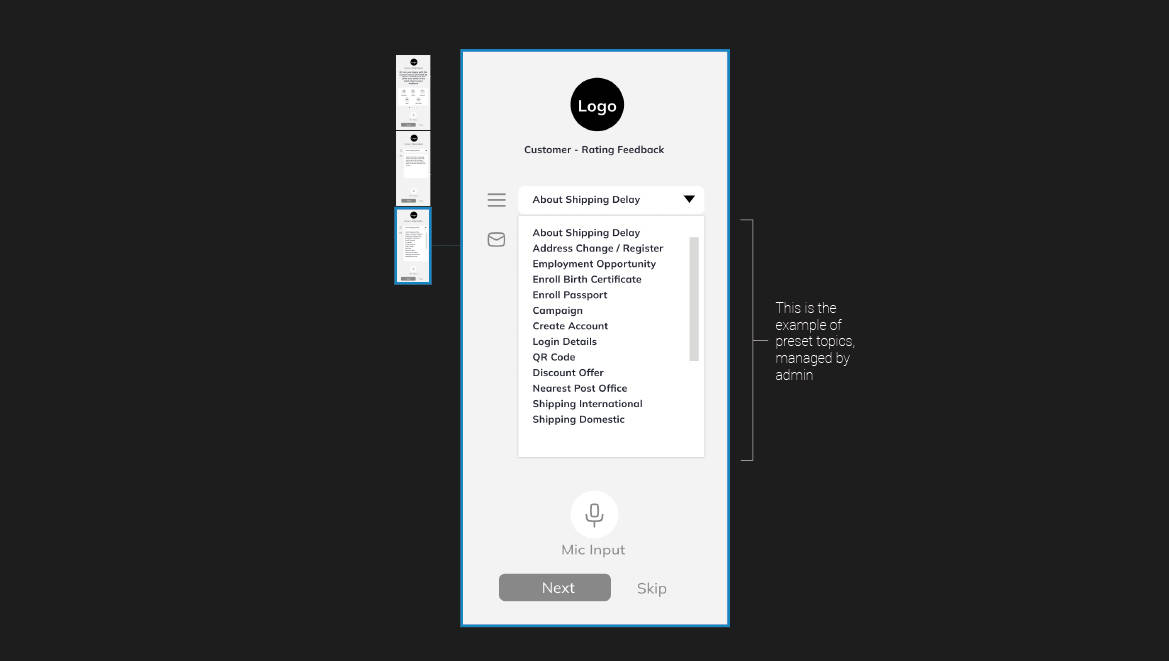
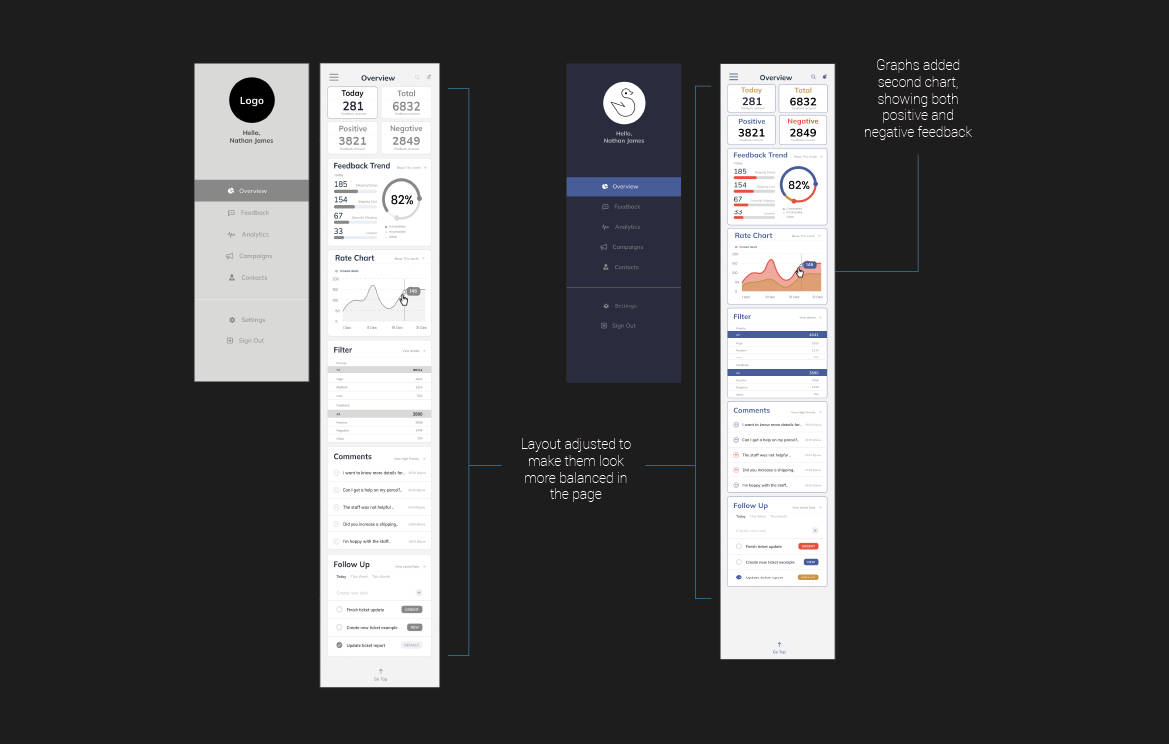
High Fidelity Prototyping - Mobile
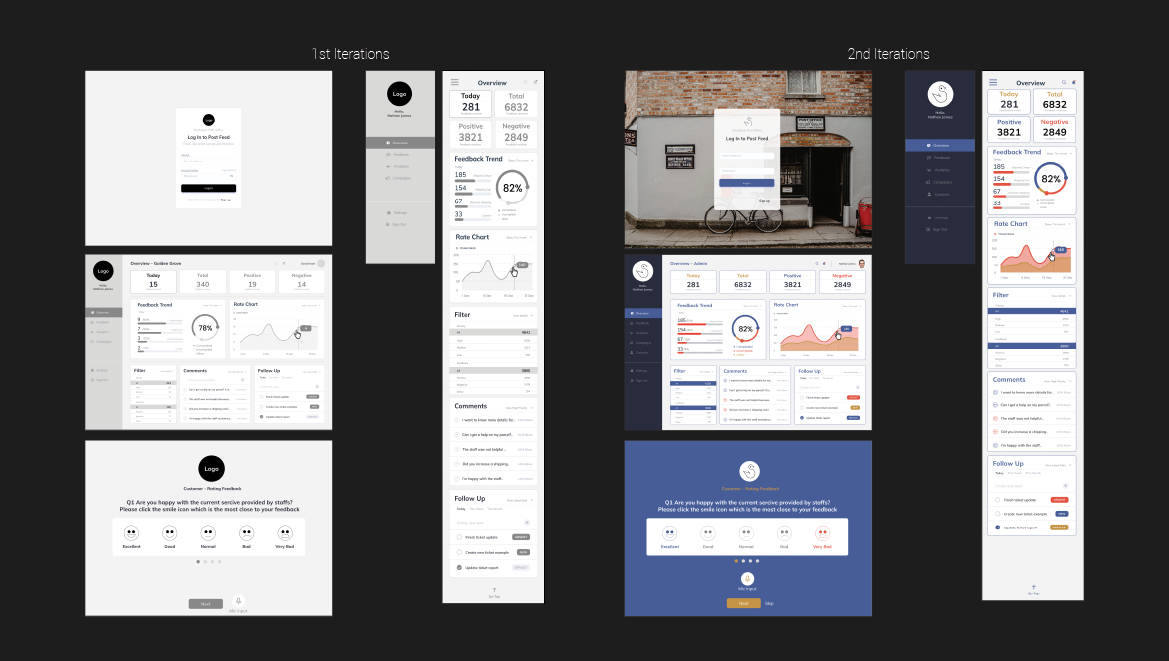
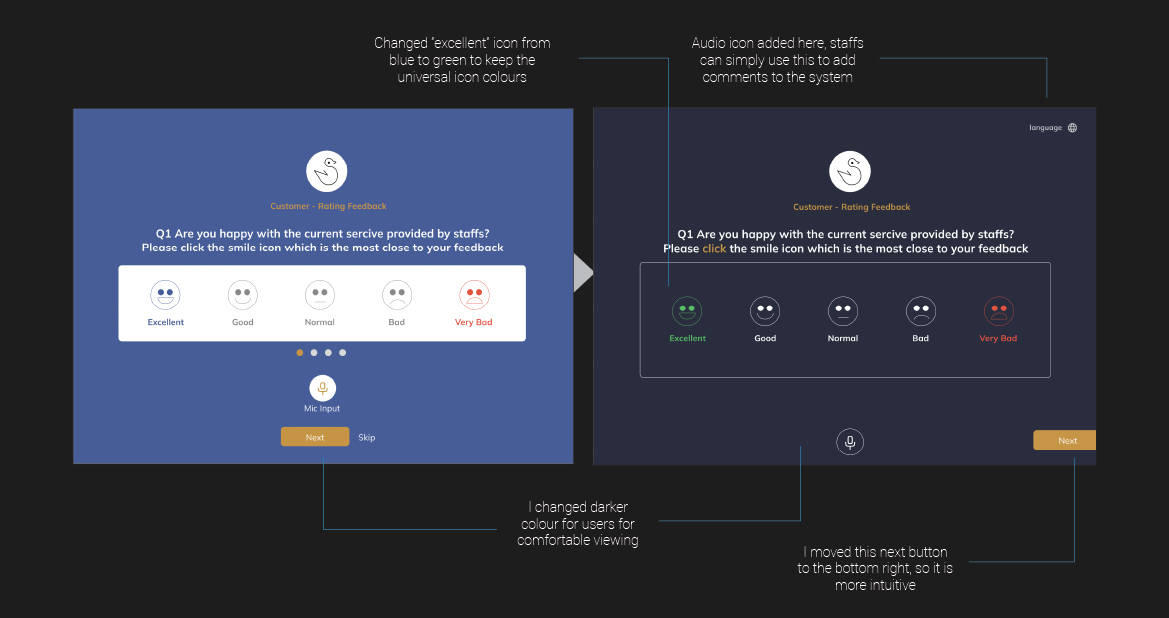
Iterations from User Testing
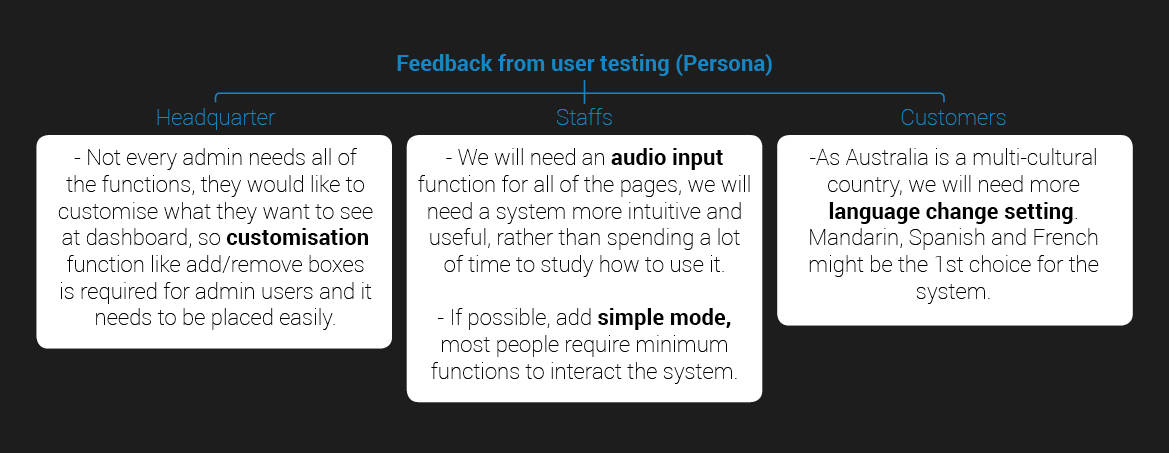
After a persona usertestings, I've discovered a few more improvements
I can add before we launch the platform.
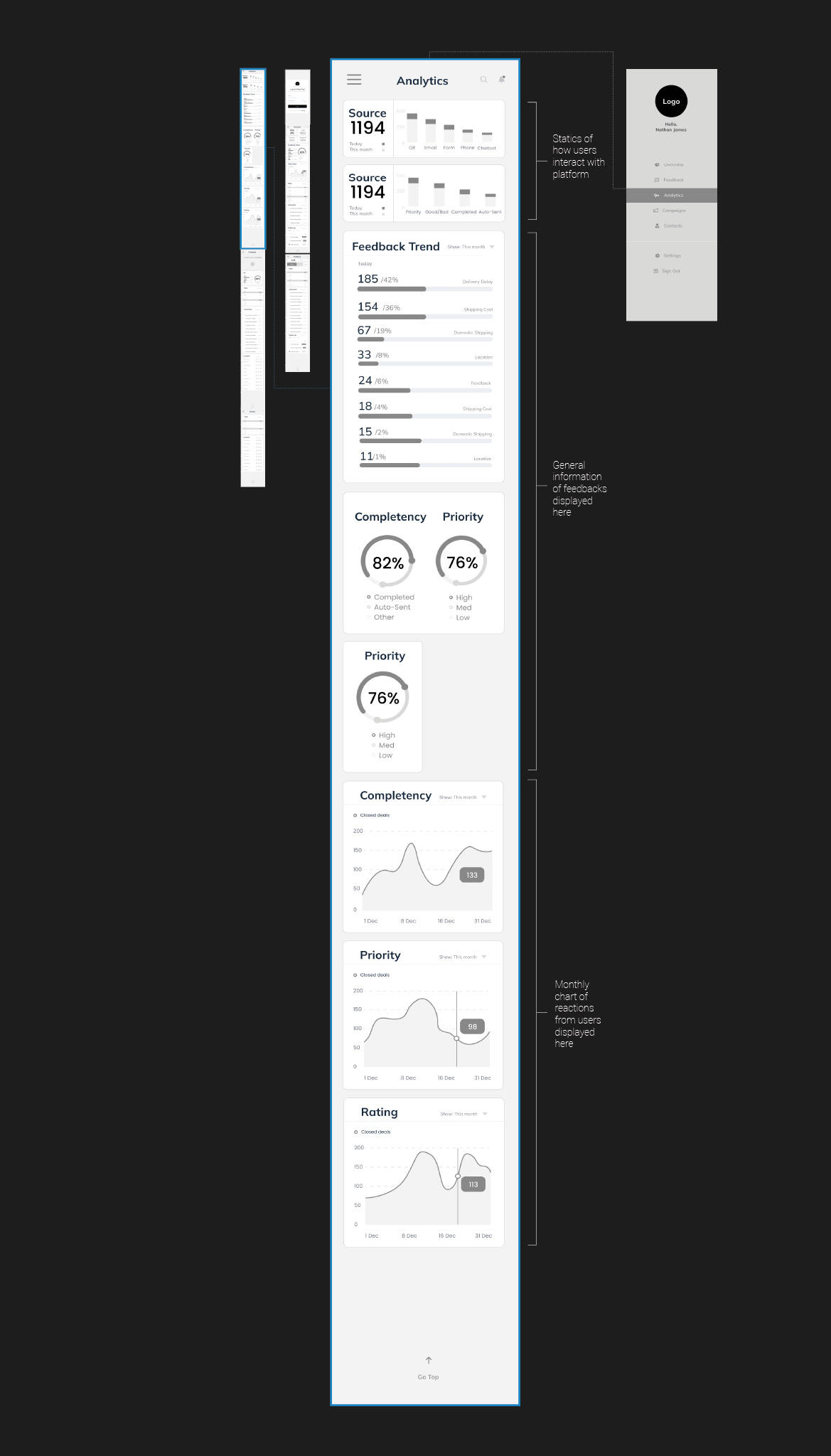
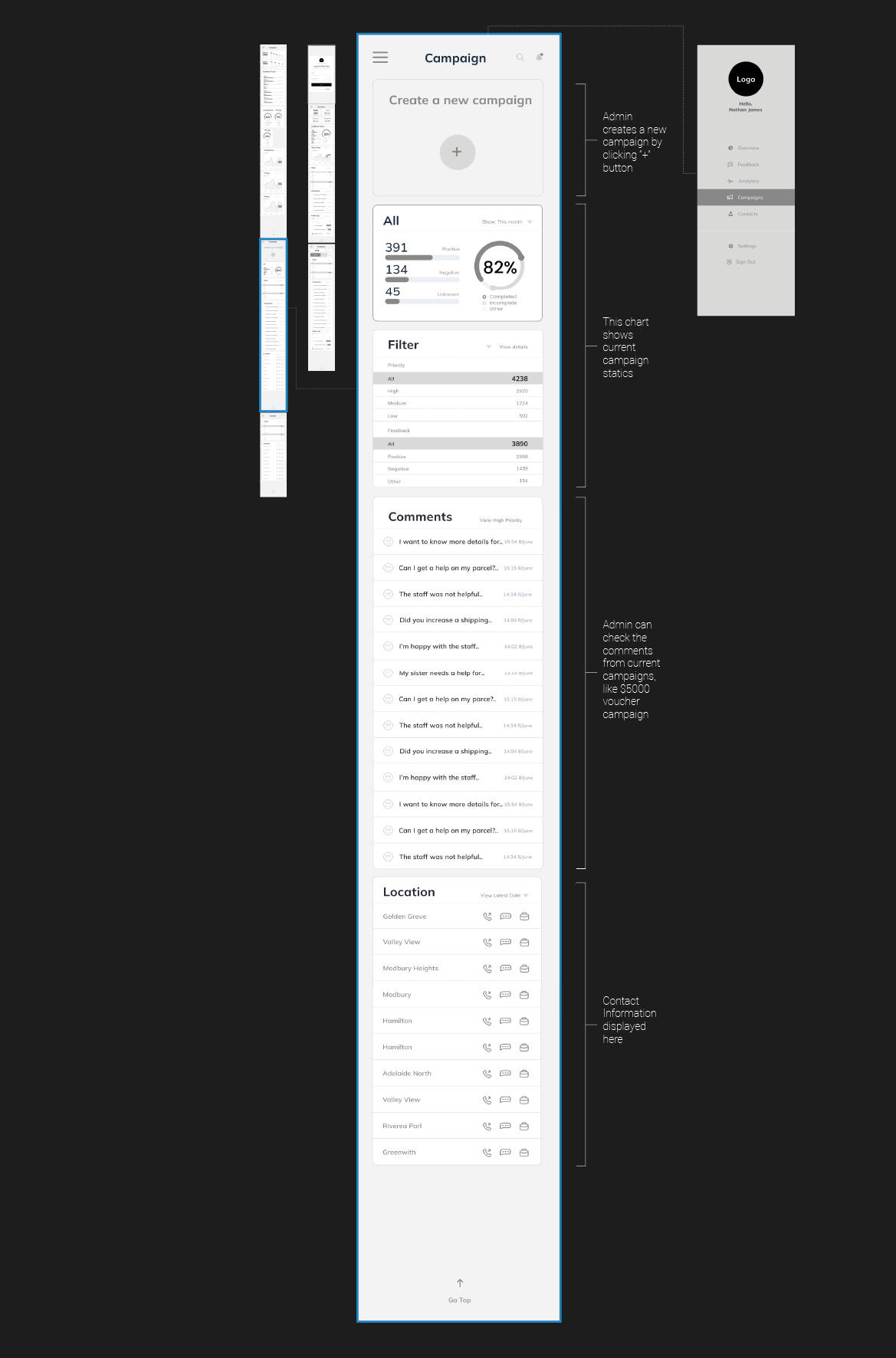
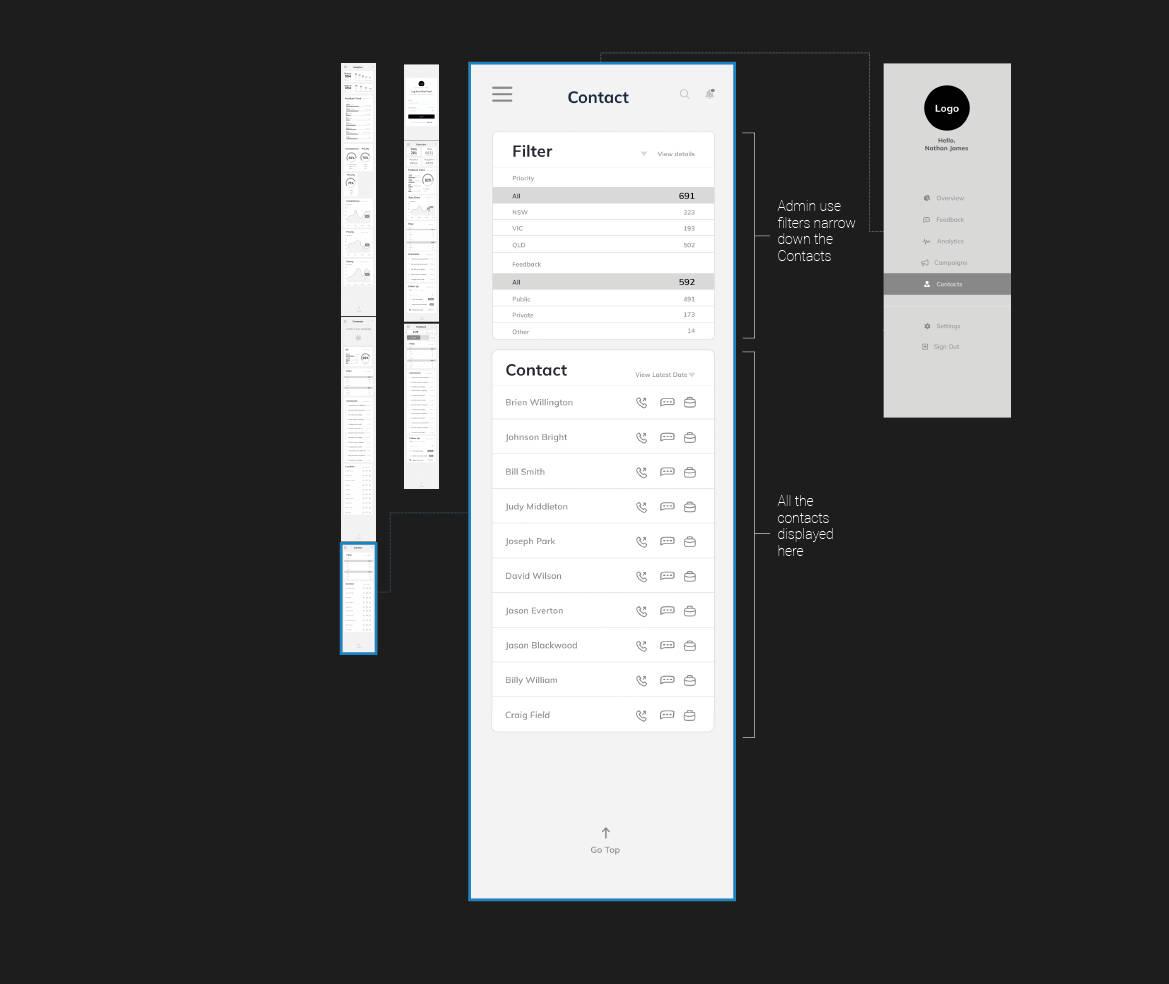
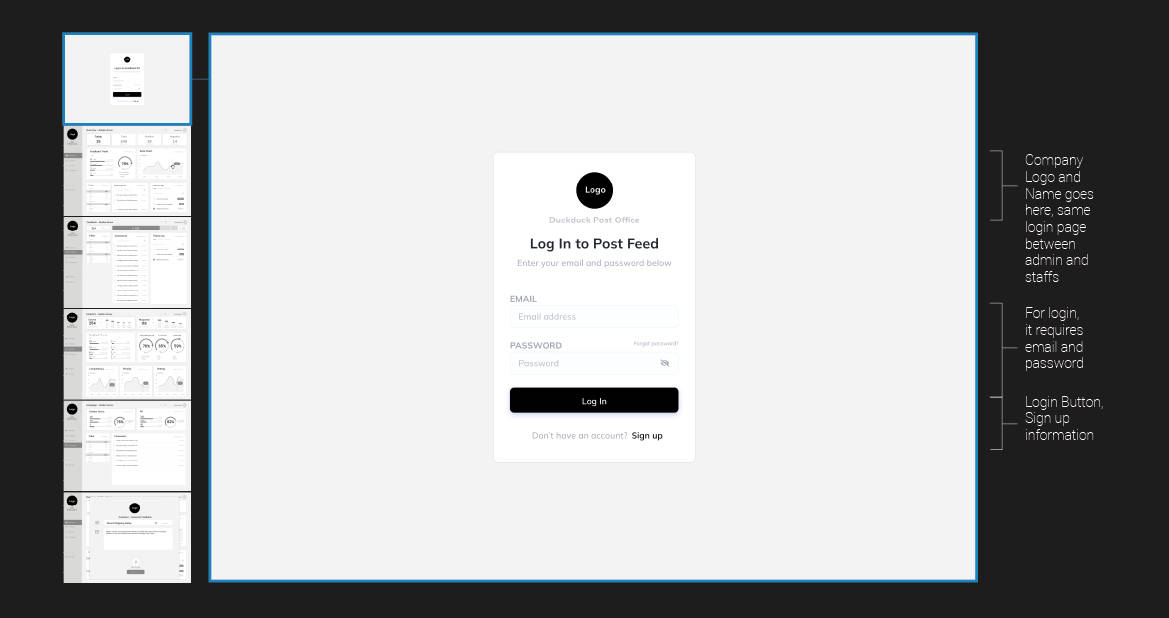
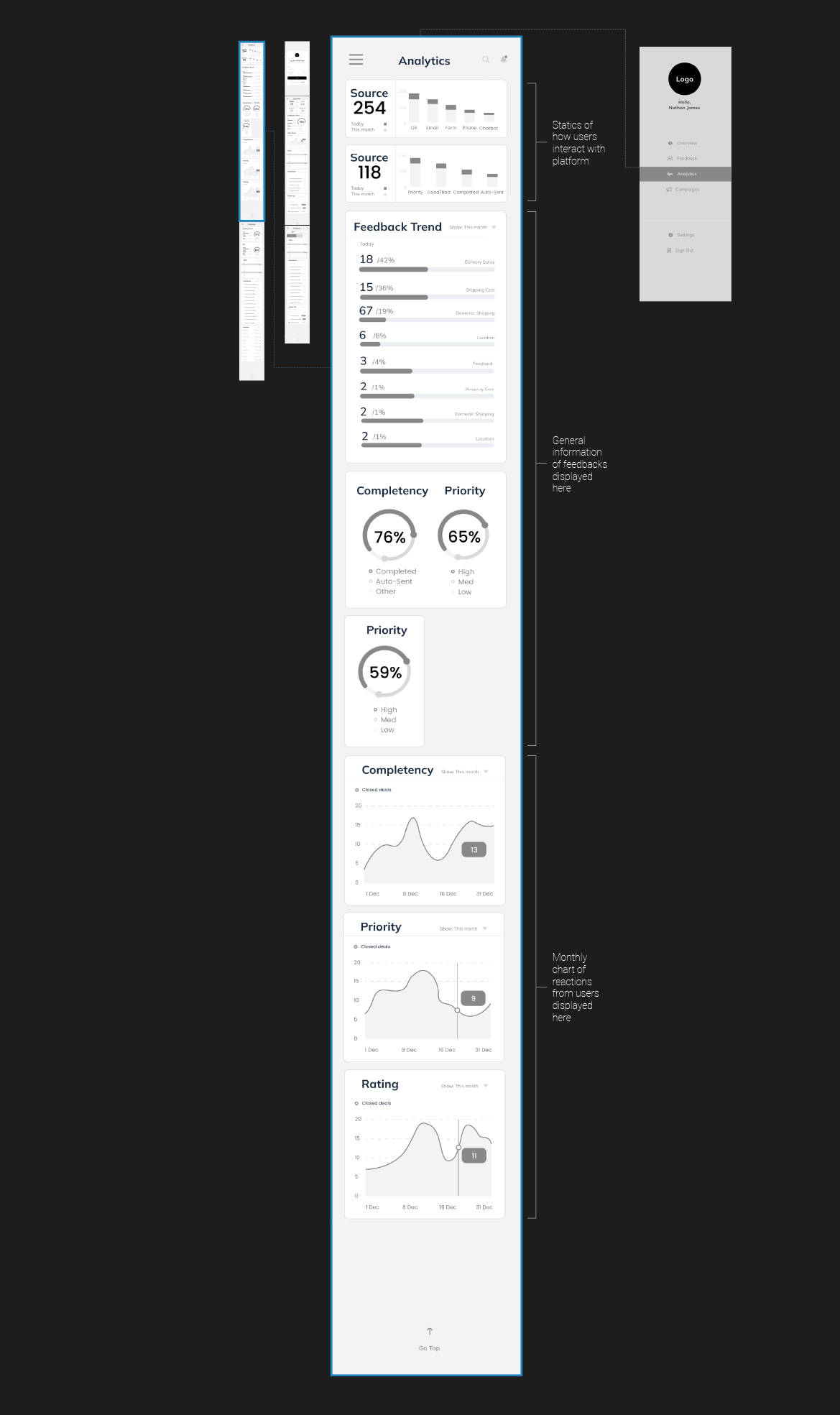
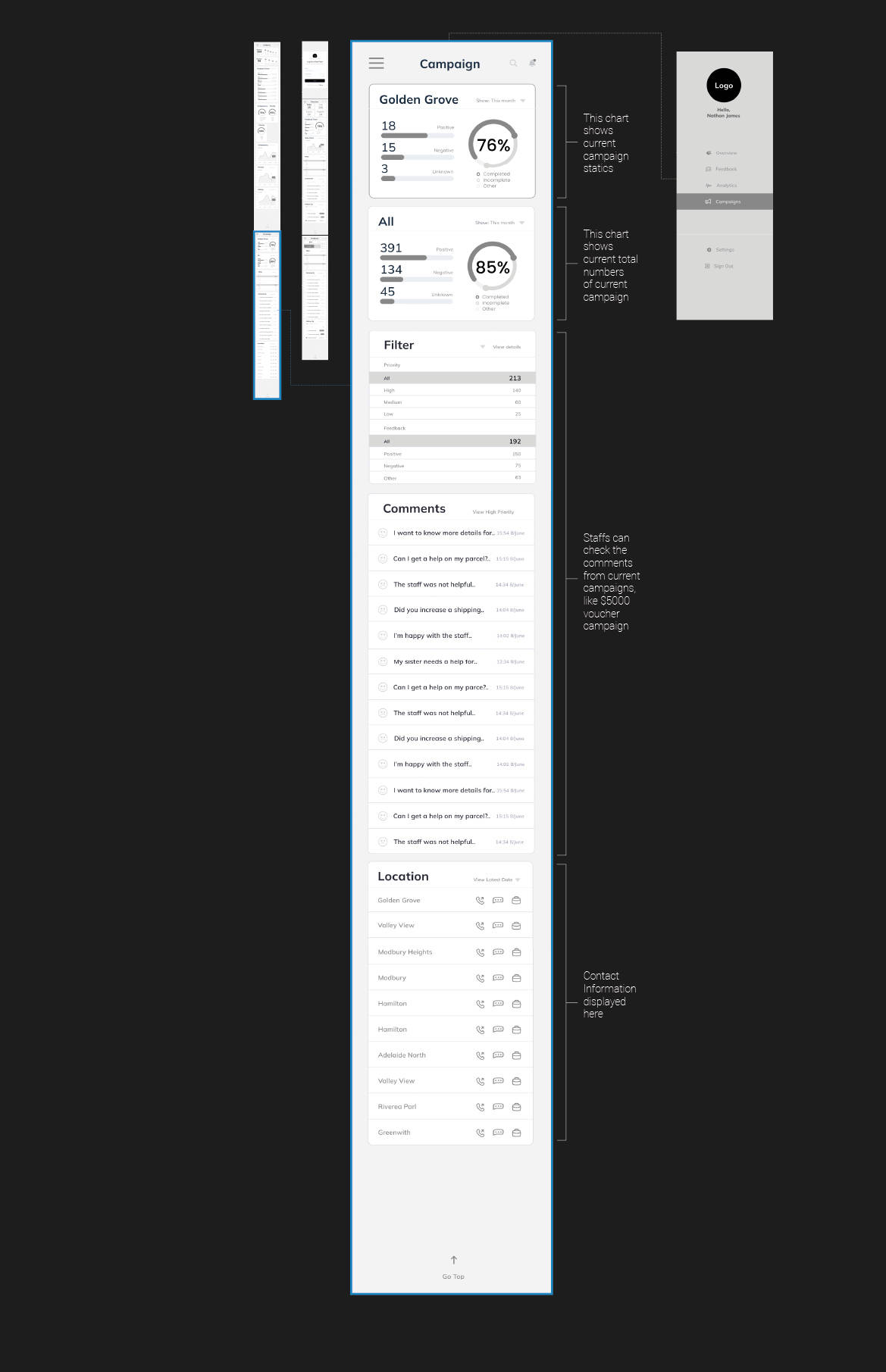
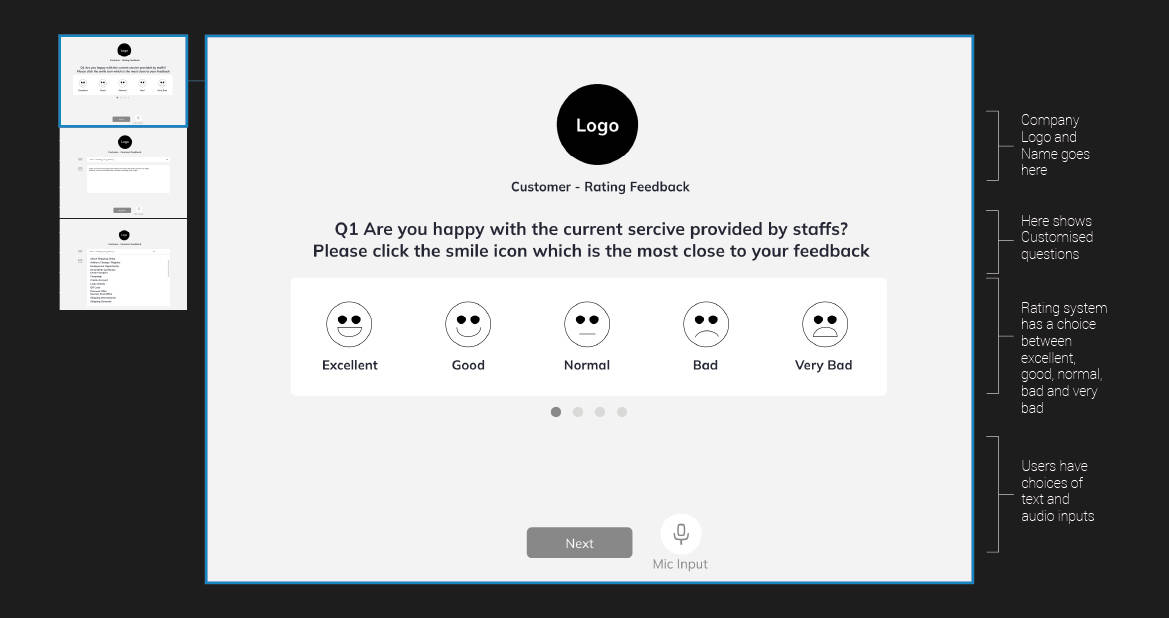
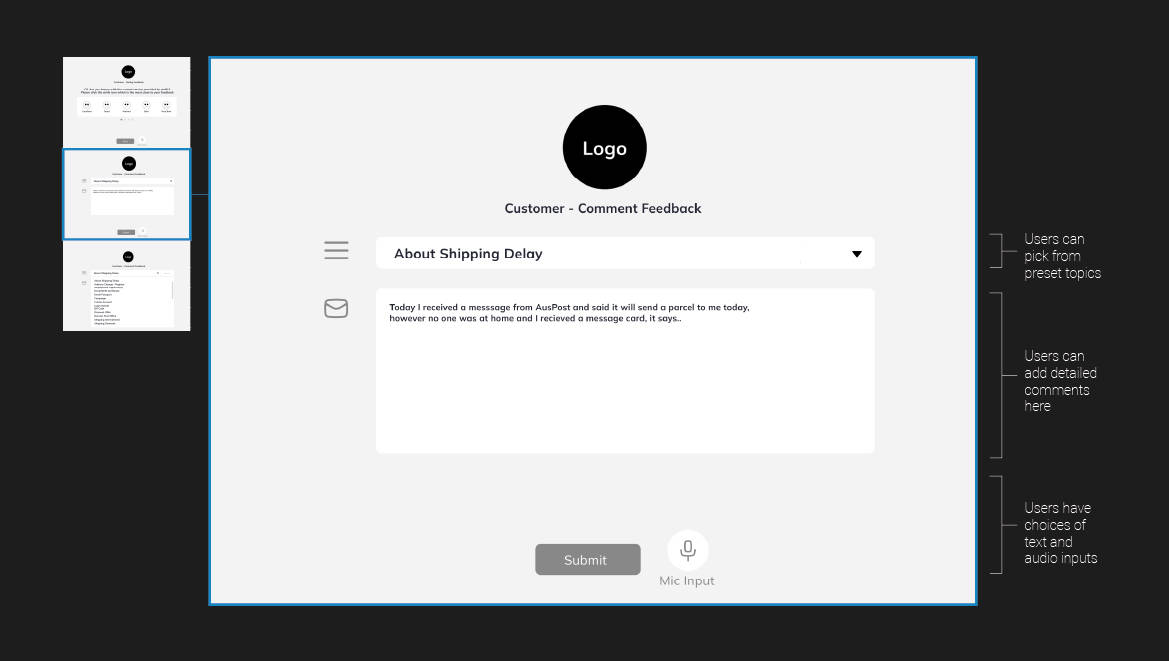
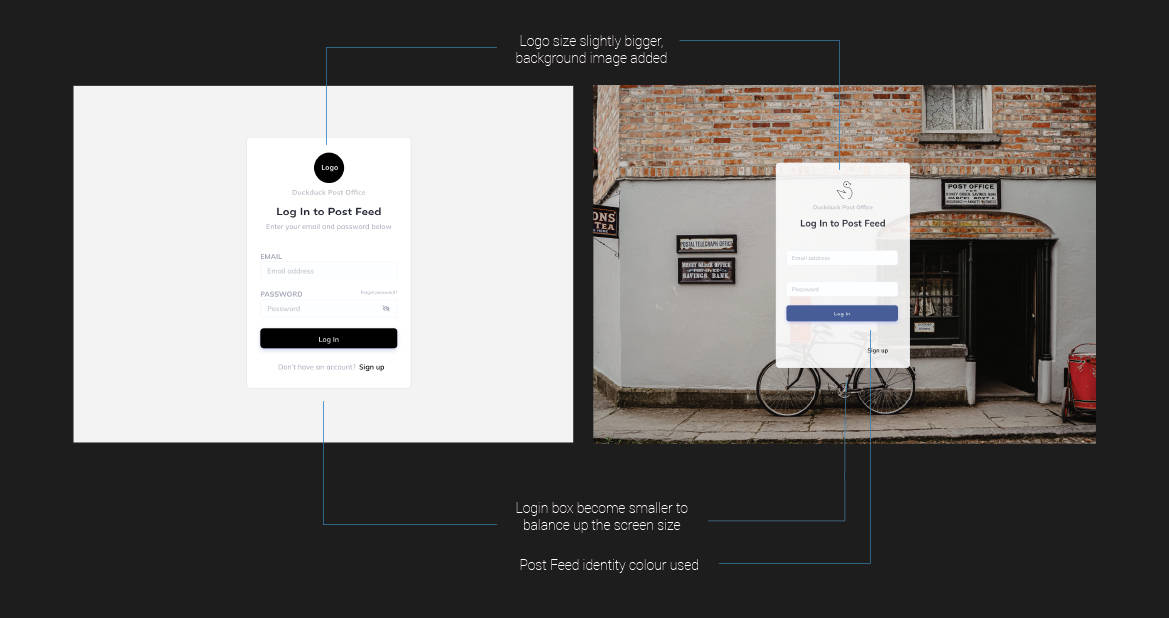
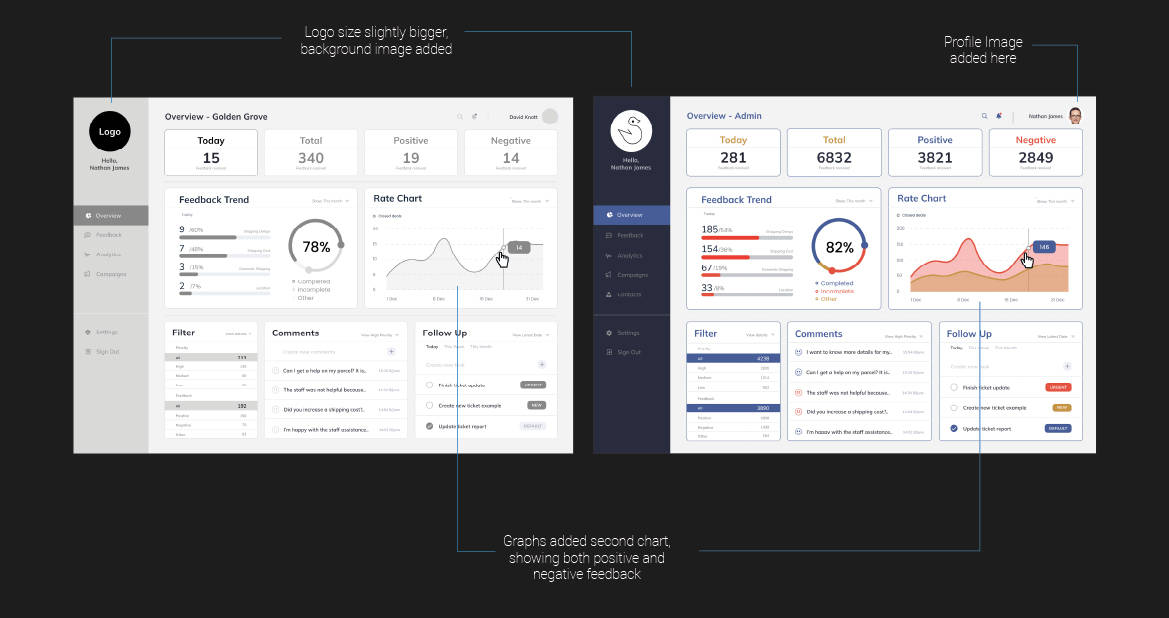
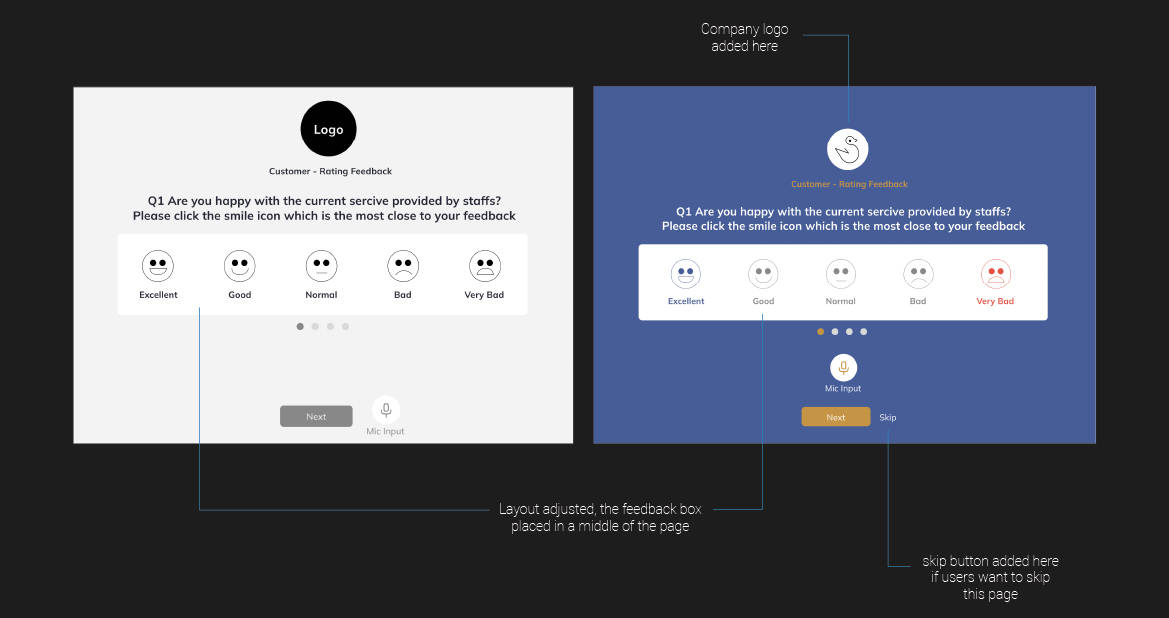
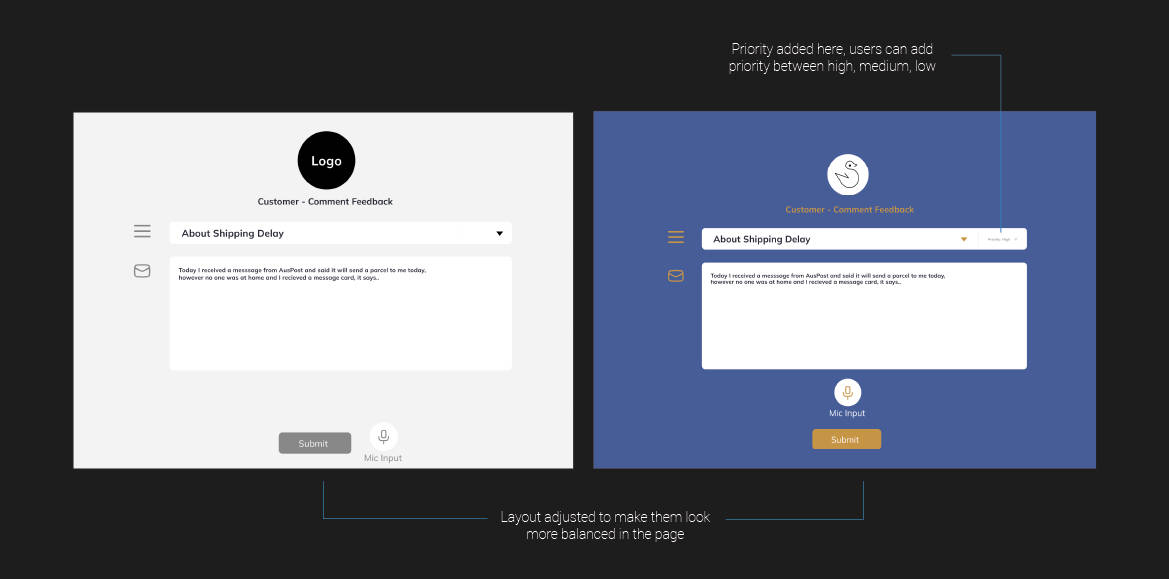
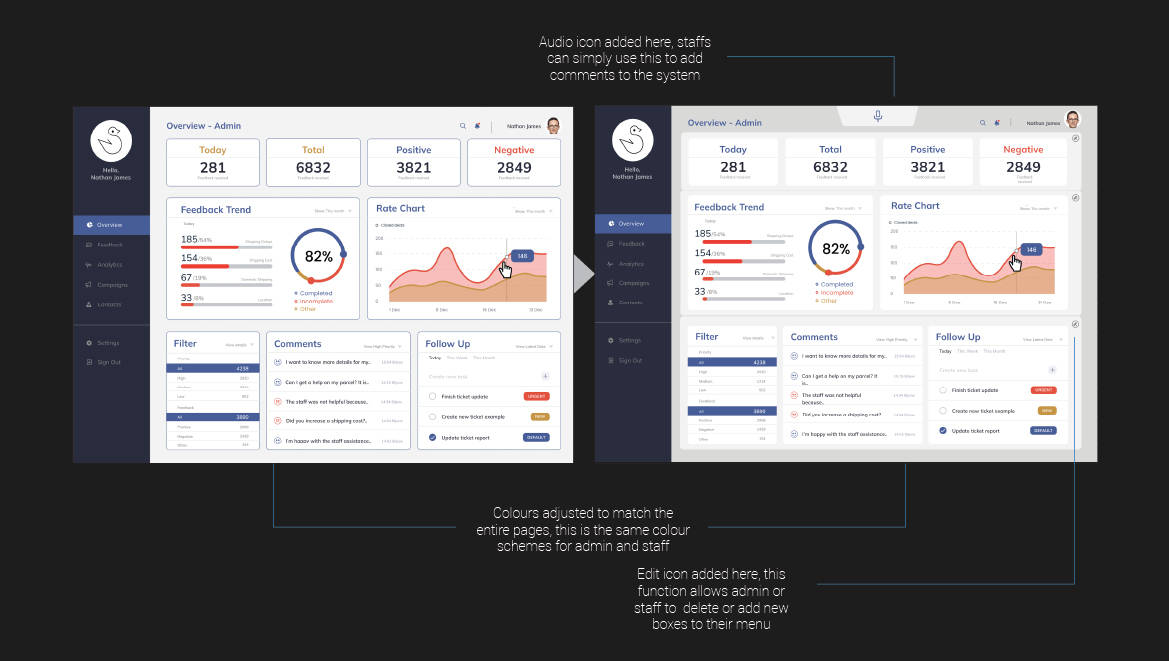
Final Designs
Goals and Next Steps
I added some notes for next steps of this project here.
I am still getting feedback from users at this moment to analyse
what we can improve further.
I've learnt so much potentials of post feed and now it is currently in place for experimenting.
With my 12 years of experience in UX designs, I've suggested following new features should be added to
the future version of post feed.
Short-term goal
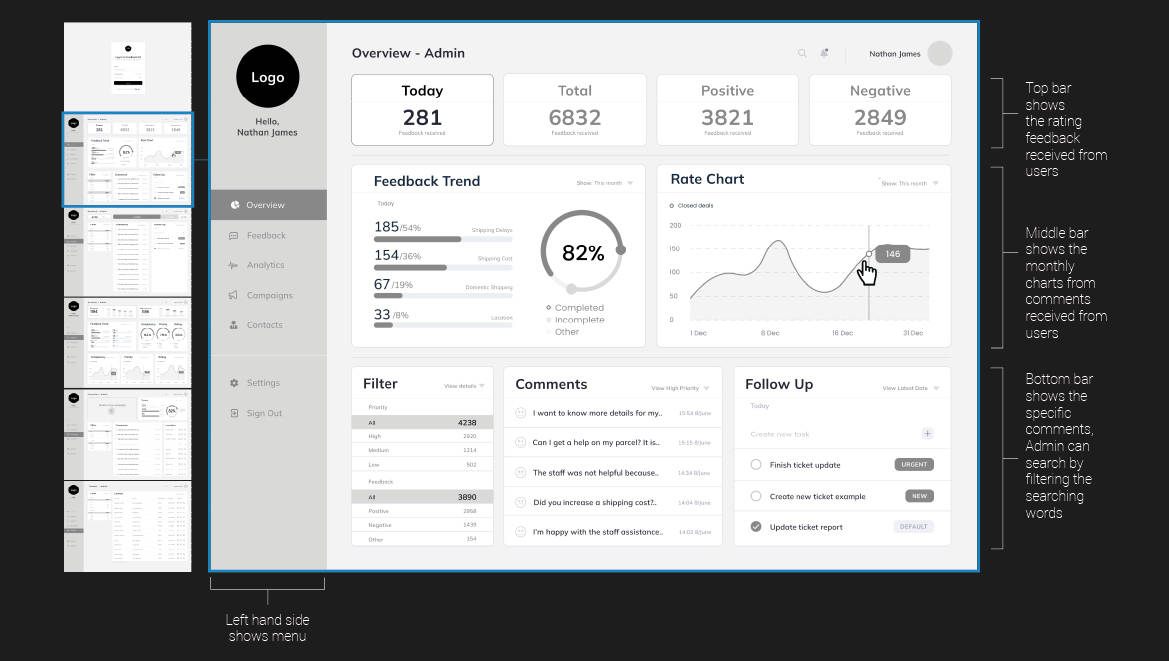
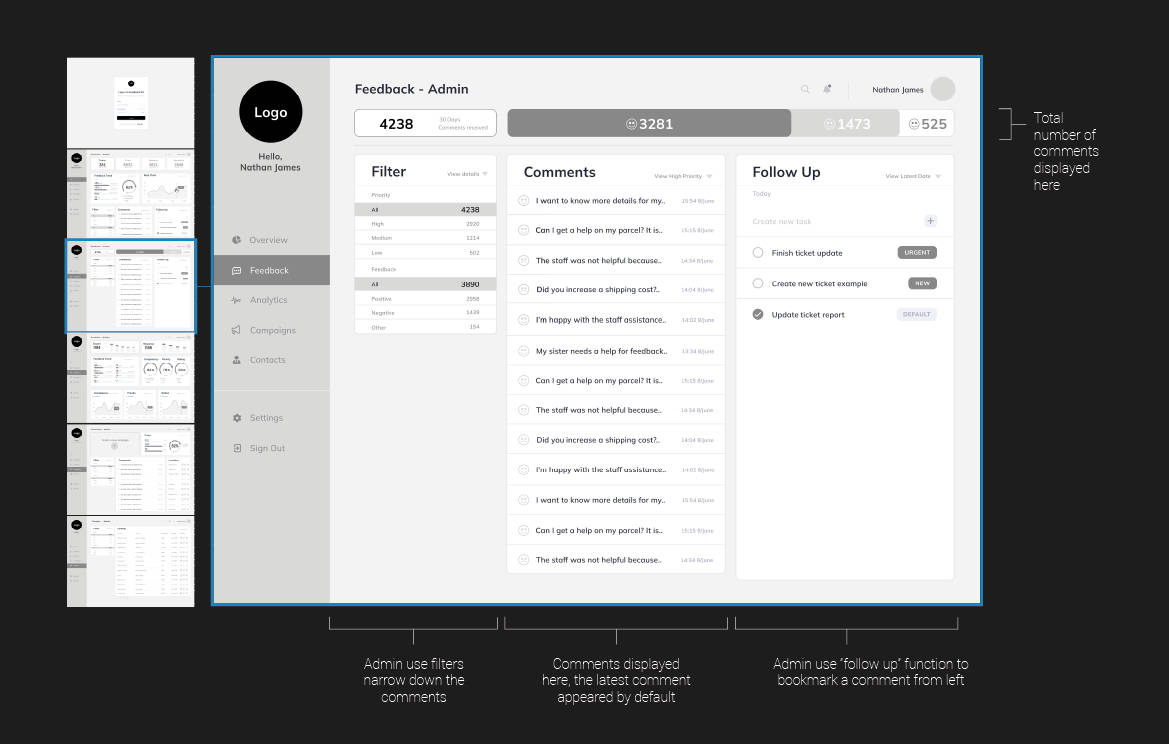
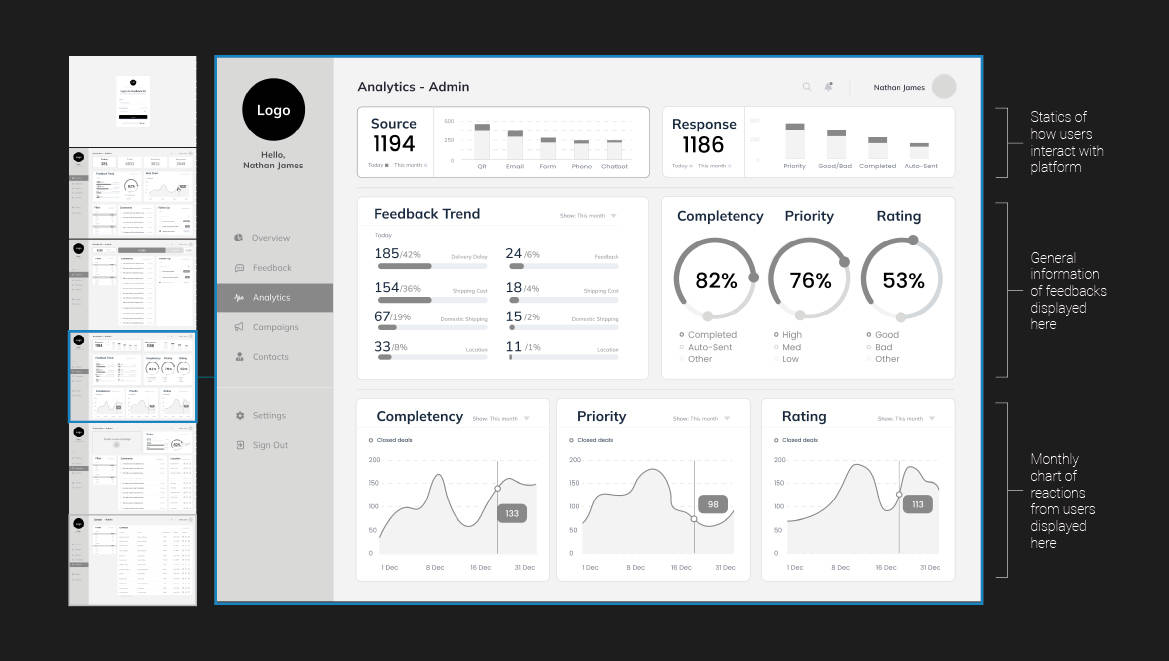
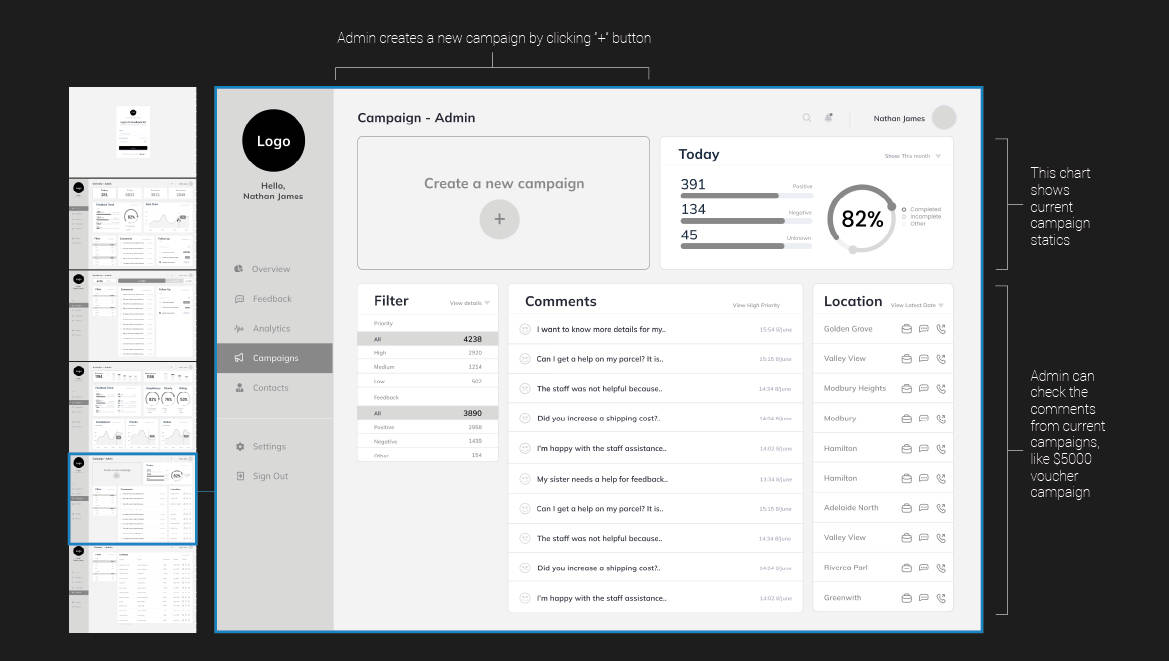
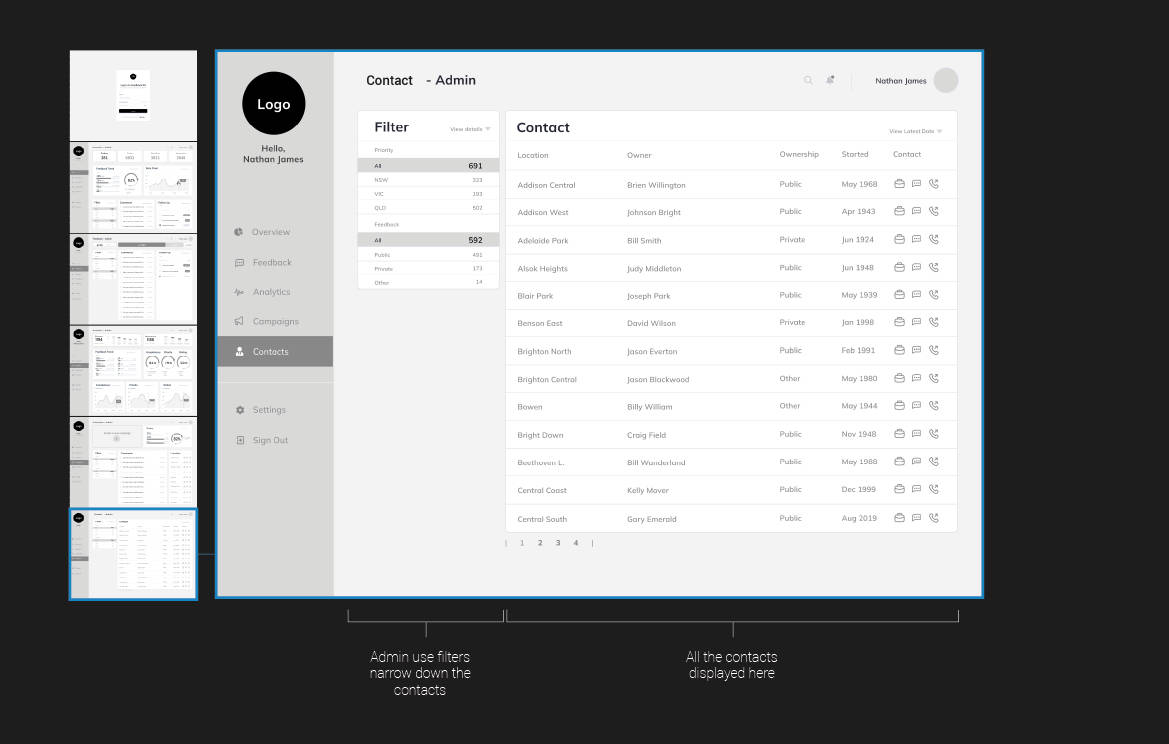
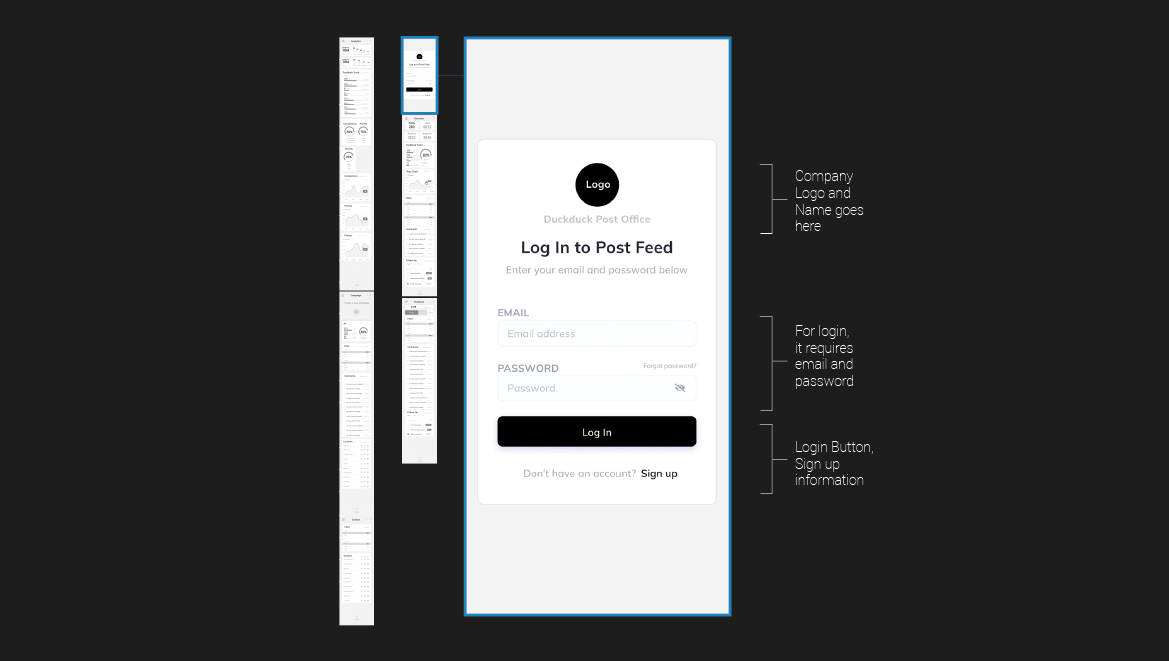
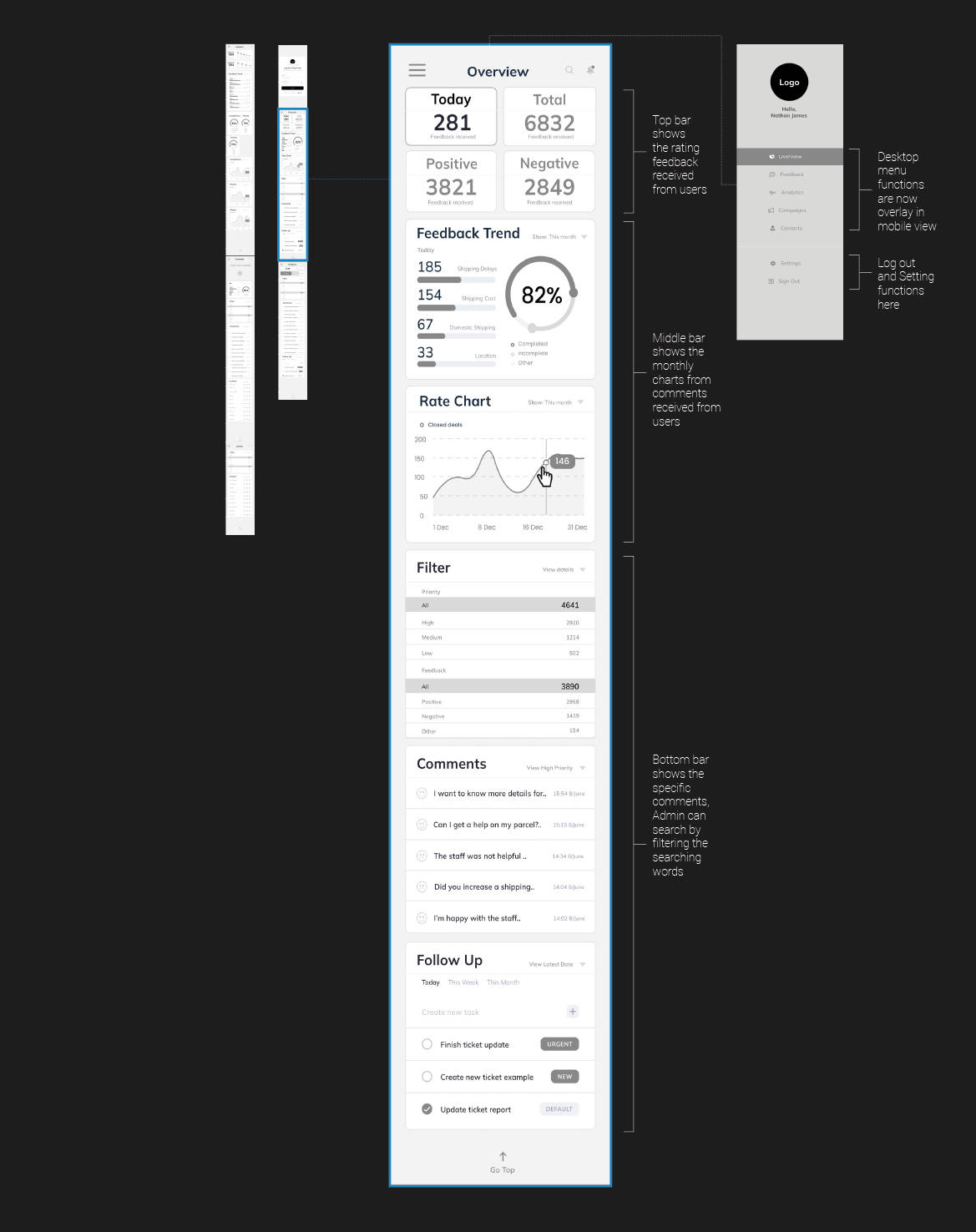
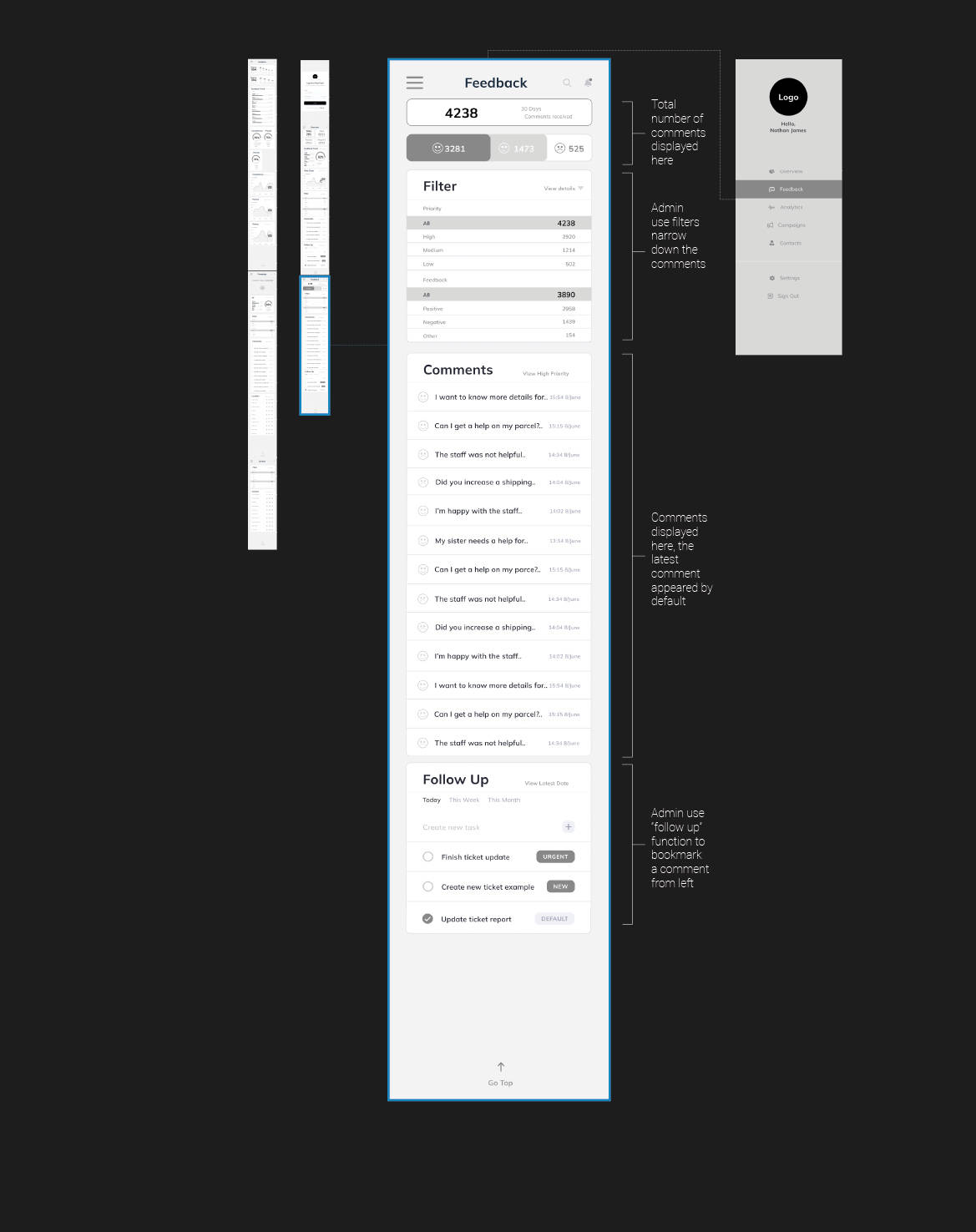
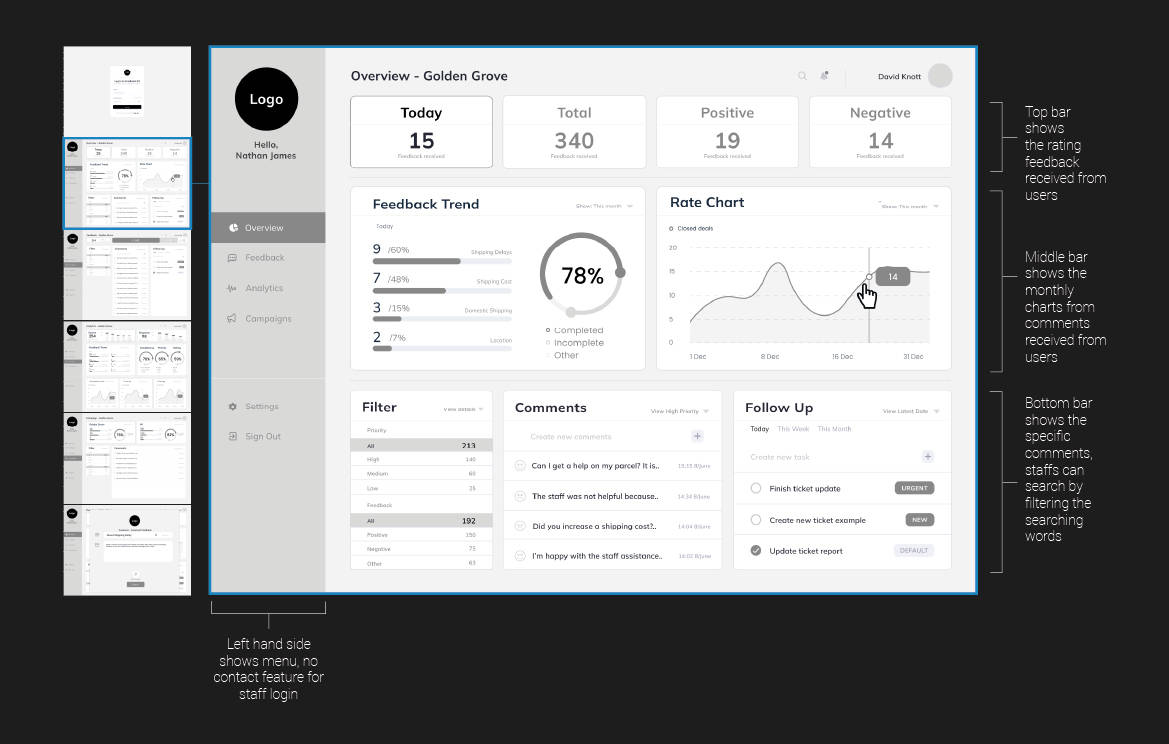
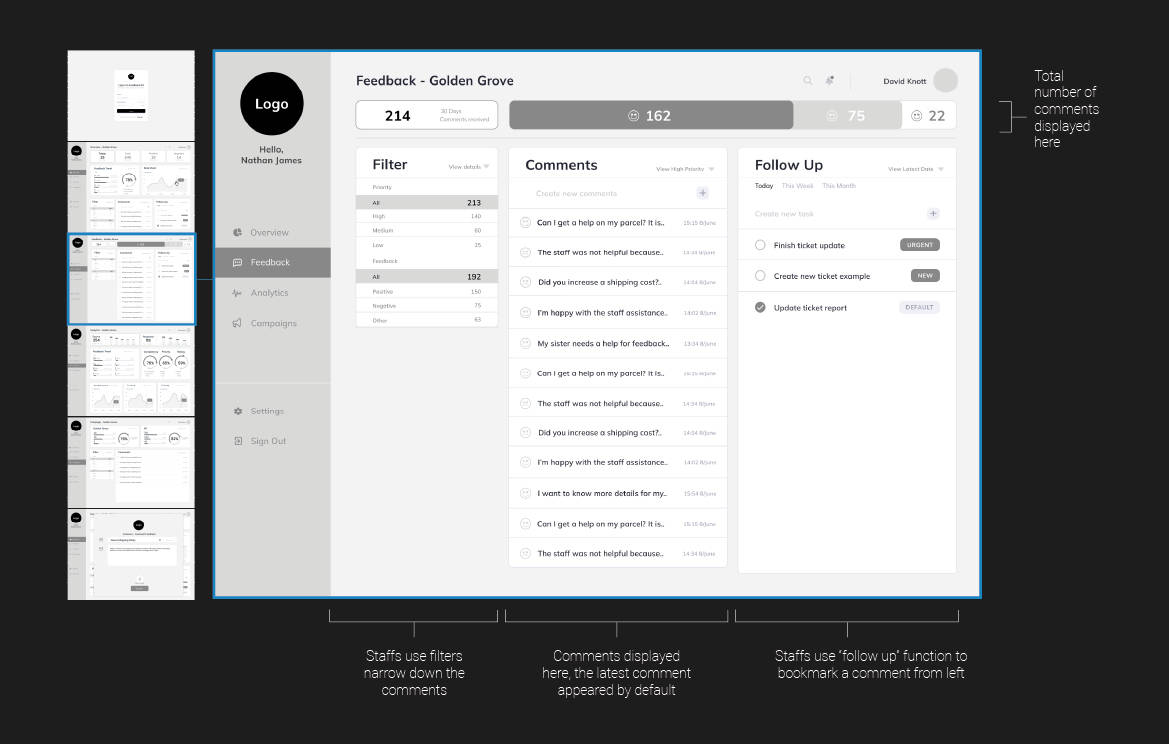
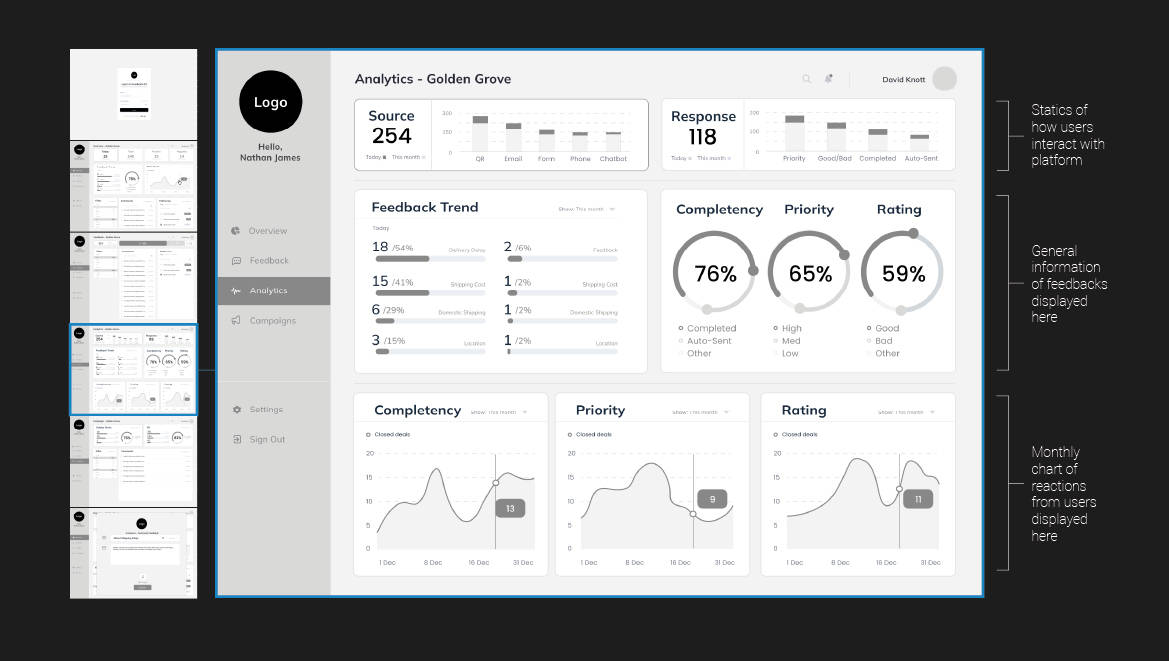
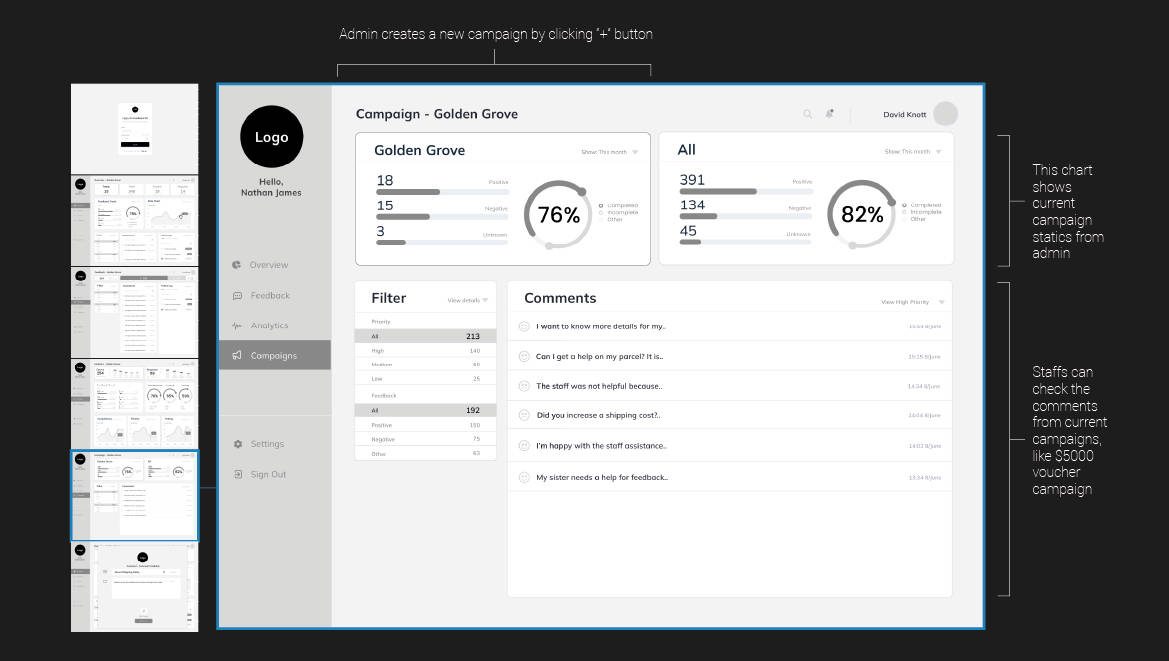
The design is currently work with server and it links to the multiple pages. (e.g. for Admin, overview,
feedback, analytics and campaigns) now developer team says we should create a single platform that
contains all of the page in one place for ease of maintain.
Search engine needs to be added for searching what admin and staff want.
Long-term goal
We discovered it sometimes becomes unstable to load the pages with no reason, if we could create a
platform again, we will spend more time on stand-alone app to maintaint the stability Solution to the offline mode needs to be developed.
Next Versions
Like I mentioned on a long term goal, it will be created as a stand alone app and handle all of the data
individually offline and then add a button to reflect a live mode and swtich to offline mode and it needs to
be done seamlessly, it will be an app for mobile and desktop users with less frastration to the users who
do not have access to the internet.
Cloud mode needs to be investigated for next version, currenly it only works with live mode and central
server, it always needs to be conneted online.
AI intergrations can be implemented in many places such as “search engine”, “help and support” pages.
Those solutions are more popular in recent years.
Usability
Every pop up menus and the page navigations are appearing and diappearing instantly at this moment,
Further more detailed animation are required to improve the usability of the platform.
Download pdf version